How to Summarize YouTube Videos with AI
Here's the problem: You're staring at a 47-minute YouTube tutorial on React hooks, but you only need to understand one specific pattern. Or worse – you've bookmarked twelve industry webinars and they're all gathering dust. Tools like TLDRly can summarize long videos in seconds, pulling out exactly what you need without the filler. TLDRly doesn't just skim titles – it actually analyzes transcripts using proper AI models, so you get the real insights, not just keyword soup.
Key Features of TLDRly:
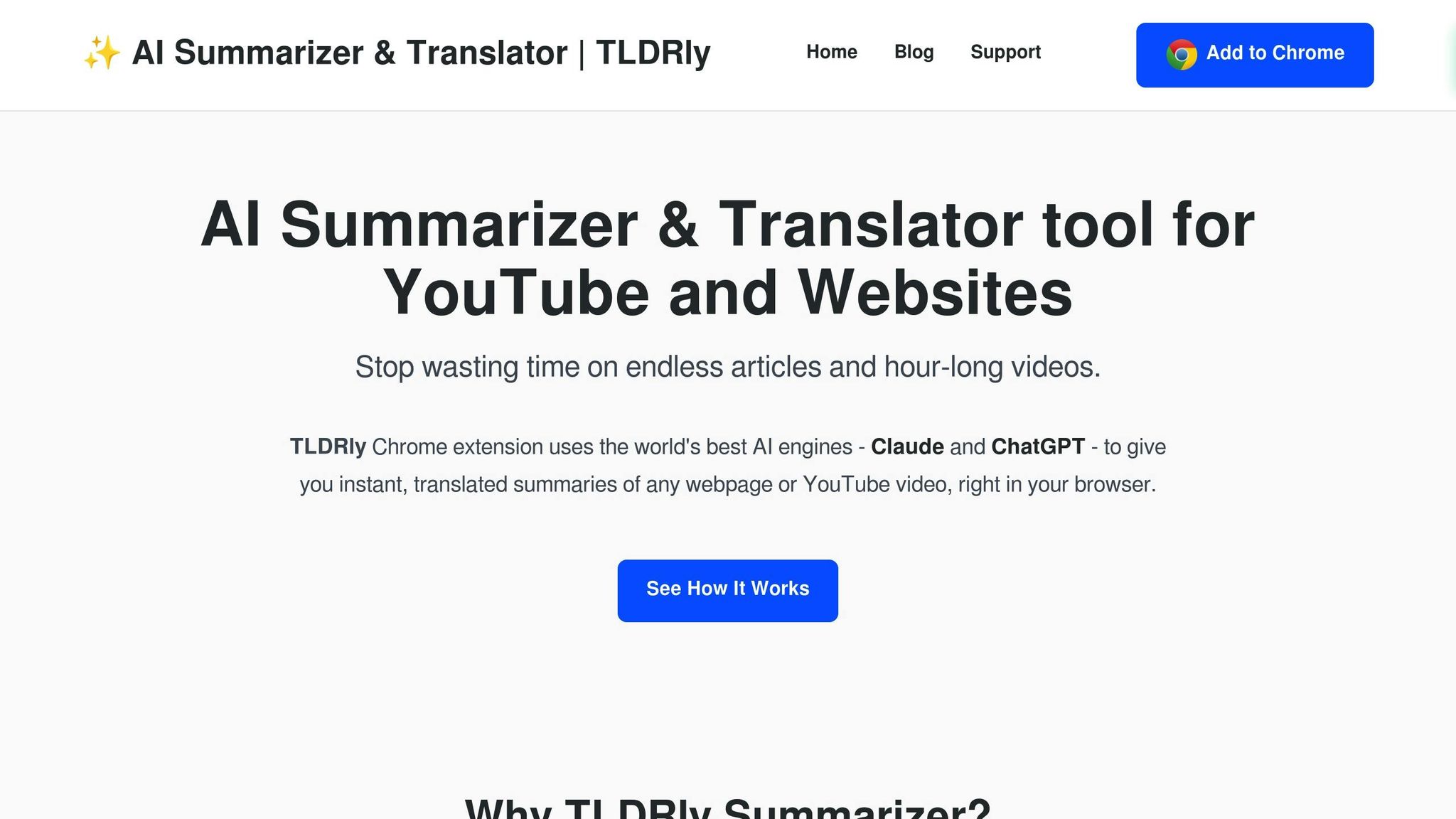
- One-Click Summaries: Lives right in YouTube as a Chrome extension. No tab-juggling required.
- Accurate Insights: Actually understands context – it knows when the speaker shifts from setup to the actual solution.
- Multilingual Support: Works with German engineering talks, Spanish tutorials, whatever you throw at it.
- Customizable Formats: Bullet points when you're speed-reading at lunch. Full paragraphs when you need the nuance.
- Privacy-Focused: Processes everything without hoarding your viewing history like every other extension does.
Why Use TLDRly?
- Students: Turn that 2-hour organic chemistry lecture into actual study notes that make sense.
- Professionals: Extract the three useful slides from that 90-minute vendor pitch.
- Lifelong Learners: Stop feeling guilty about your "Watch Later" graveyard.
Plans:
- Free Plan: Gets you basic video and article summaries. Honestly sufficient for casual use.
- Premium Plan: PDF summarization plus the heavy-duty AI models that handle technical content properly.
Bottom line: TLDRly fixes YouTube's biggest design flaw – forcing you to watch everything linearly. Install the extension, hit the button, get the goods. Perfect for anyone who values their time more than YouTube's engagement metrics.
How to Summarize YouTube Videos Using Free AI Tools (Quick & Easy Tutorial!)
What to Look for in AI Summary Tools
Most AI summary tools are trash. They'll either butcher technical content, leak your data to seventeen different analytics platforms, or require you to copy-paste URLs like it's 2015. Here's what actually matters when you're picking one that won't waste your time.
How to Pick the Right Summary Tool
Seamless YouTube Integration is non-negotiable. If you're copying URLs into a separate website, you've already failed. The tool needs to live where you watch – as a browser extension with a button right there on the YouTube page. One click, no friction.
Accuracy and Context Awareness separates the real tools from the toys. Watch what happens when you feed it a technical video. Does it know the difference between the problem setup and the actual solution? Can it handle when a speaker goes on a tangent? Most tools just grab random sentences that mention keywords. That's useless.
Language and Format Options matter more than you think. You need a tool that handles Spanish engineering talks and German philosophy lectures without choking. But here's the kicker – it should also let you control the output format. Sometimes you need quick bullets for a Slack message. Sometimes you need full paragraphs for documentation.
Privacy Protection is where 90% of tools fail hard. They're all harvesting your viewing history to sell you courses. Check their privacy policy – if it's longer than three paragraphs, they're selling your data. Period.
Speed and Reliability sounds obvious but isn't. The tool needs to work every time, not just when their servers feel like it. And it needs to generate summaries fast enough that you don't lose your train of thought.
TLDRly actually nails all of these, which is rare in this space.
How TLDRly Delivers These Features
TLDRly gets the integration right with a dead-simple Chrome extension. Once installed, every YouTube video gets a summary button. No switching tabs, no copying links. Just click and go.
The accuracy comes from using actual AI models like ChatGPT and Claude – not some homebrew algorithm that breaks on anything longer than a TikTok. It catches when a tutorial switches from theory to implementation. It knows when that business guru finally stops the fluff and gives the actual framework.
Multilingual support isn't just checkbox feature here. It'll summarize a Japanese coding tutorial and translate it to English in the same pass. No separate translation step, no broken context.
Privacy-focused design means they process your content and dump it. No profile building, no "personalized recommendations" based on your viewing habits. They make money from subscriptions, not data brokering.
Instant processing is the real differentiator. Click the button, get your summary in under five seconds. Even on hour-long videos. This speed matters when you're researching – you can blast through a dozen videos in the time it used to take to watch one.
The customizable formats actually work. Bullet points give you scannable takeaways. Paragraphs preserve the speaker's argument structure. And here's the best part – it includes clickable timestamps, so you can jump straight to the section that matters when the summary isn't enough.
How to Summarize YouTube Videos with TLDRly
Getting started with TLDRly takes about thirty seconds, and then you're off to the races. No account creation, no email verification dance, no "choose your interests" questionnaire. Just install, click, done.
Installing TLDRly on Chrome
Go to the Chrome Web Store. Type "chrome.google.com/webstore" if you're doing it manually. Search for "TLDRly" in the search box – it should be the first result.
Click "Add to Chrome" and approve the permissions when it asks. Yes, it needs access to YouTube pages. That's literally how it works. The whole thing installs in about ten seconds on decent internet.
The TLDRly icon shows up in your toolbar immediately. Top right corner, next to your other extensions. No restart needed, no configuration wizard. The free tier works instantly – you don't even need to create an account unless you want the premium features.
Summarizing YouTube Videos
Open any YouTube video. Doesn't matter if it's a three-hour podcast or a five-minute tutorial. Click the TLDRly icon in your toolbar. That's it.
The tool processes the entire video in seconds. Not just the parts with captions – it handles videos with auto-generated subtitles, videos with no subtitles at all (using speech-to-text), even videos where the speaker has a thick accent that breaks most transcription services.
You get a structured summary with clickable timestamps. This is the killer feature nobody talks about. See something interesting in the summary? Click the timestamp and jump straight there. No scrubbing through the progress bar trying to find "that part where they mentioned the API limits."
The summary captures actual content structure. It knows when someone's introducing a concept versus explaining it. It preserves numbered lists, step-by-step instructions, and cause-effect relationships. Even handles videos where the good stuff is buried in the Q&A at the end.
Adjusting Summary Format and Language
The format controls are right there in the summary window. No digging through settings menus. Bullet points give you the Twitter-thread version – perfect for quick scanning or dropping into notes. Detailed paragraphs preserve the speaker's logic flow, which matters for complex arguments or technical explanations.
Language switching is stupidly simple. Got a French tutorial but need notes in English? One dropdown selection. The translation happens on the summary, not the original transcript, so you don't lose context in a game of linguistic telephone.
But here's the pro move: Use the language feature even for English videos. Set it to "simplify" mode and it'll strip out the jargon and corporate speak. Turns a consultant's word salad into plain English that actually means something.
The settings stick between videos. Set your preferences once, and every summary follows your format. No constant tweaking, no remembering to change it back. Just consistent output that matches how you actually work.
Real Uses for AI Video Summaries
Forget the marketing promises about "revolutionizing your workflow." Here's how people actually use summarization features when they stop pretending they'll watch that three-hour tutorial "later." TLDRly shines in three specific scenarios where traditional video consumption breaks down completely.
Students: Smarter Study Notes
Students are drowning in video lectures, and TLDRly throws them a lifeline. But not in the way you'd expect.
The real win isn't summarizing your professor's lectures – it's handling the supplementary YouTube videos they casually mention. You know, the six different explanations of eigenvalues because the textbook is garbage. TLDRly lets you compare all six approaches in minutes, not hours. You quickly spot which instructor actually explains the intuition versus who just repeats formulas.
Group study becomes actually productive. Everyone watches different videos, shares TLDRly summaries, and suddenly you have six perspectives on the same topic without six hours of redundant watching. The translation feature is clutch for international students – watch MIT lectures in English, get summaries in your native language to ensure you actually understood the concepts, not just the words.
Professionals: Faster Research and Preparation
Here's what professionals actually do: panic-research the night before a big meeting. TLDRly turns this from disaster to strategy.
Marketing managers can process an entire conference's worth of keynotes during a lunch break. Not the fluff – the actual insights about what competitors are building. Pull specific quotes, statistics, and case studies without sitting through forty minutes of "let me tell you about my journey."
Sales teams use it to steal competitors' demo techniques. Watch five product demos, extract the objection-handling patterns, build a better pitch. The summaries include timestamps, so you can jump straight to the pricing discussion or the technical architecture explanation when clients ask specific questions.
Project managers finally have a solution for recorded meetings nobody watches. Generate summaries of stakeholder calls, distribute them with highlighted action items. People actually read a two-page summary. Nobody watches a 90-minute recording.
Lifelong Learners: Stay Informed Without the Overwhelm
The "Watch Later" playlist is where good intentions go to die. TLDRly makes it a research goldmine instead.
You can finally handle multiple learning tracks simultaneously. Following cryptocurrency, cooking, and woodworking? Summarize the daily crypto news, compare three different bread recipes, and understand Japanese joinery techniques – all during your morning coffee. The tool helps you identify which videos deserve full attention versus which ones you can just skim.
For news junkies, it's a bias-detection machine. Summarize five different takes on the same story, spot the common facts versus the spin. You're not watching five hours of talking heads – you're reading five pages of actual positions.
Hobby learners can compare techniques across instructors instantly. Ten different photographers explaining portrait lighting? TLDRly shows you who focuses on gear (skip), who explains the physics (save for later), and who gives practical setup instructions (watch now). You build a curriculum from the best parts of everyone's content, not just whoever has the best YouTube SEO.
TLDRly Pricing: Free vs Premium Plans
Let's talk money. TLDRly's pricing is refreshingly straightforward – no hidden tiers, no "contact us for enterprise pricing" nonsense.
Free Plan vs Premium Plan Features
Here's exactly what you get:
| Feature | Free Plan | Premium Plan |
|---|---|---|
| Price | $0 | Visit website for pricing details |
| YouTube Video Summaries | Yes | Yes |
| Article & Webpage Summaries | Yes | Yes |
| Multilingual Translation | Yes | Yes |
| Basic AI Models | ChatGPT and Claude | ChatGPT and Claude |
| PDF Summarization | No | Yes |
| Enhanced AI Capabilities | Limited | Full access |
The free plan handles 90% of what casual users need. YouTube videos, web articles, basic translation – it's all there. No arbitrary limits on video length or daily usage that force you to upgrade.
The premium plan is for people who live in documents. PDFs, research papers, technical documentation – stuff that the free tier won't touch.
Benefits of TLDRly Premium
PDF summarization is the headline feature, but it's more sophisticated than it sounds. It handles academic papers with citations, technical manuals with diagrams, and business reports with complex tables. Not just text extraction – actual comprehension of document structure.
The enhanced AI capabilities show up in edge cases. Complex technical content where the free tier might miss nuances. Multi-speaker discussions where it needs to track who's saying what. Academic content with heavy jargon that needs careful interpretation, not just keyword matching.
But here's the real question: Do you need it? If you're processing more than five documents weekly, or if accuracy genuinely affects your work output, then yes. The time saved on a single research project pays for months of premium.
Students working on literature reviews, consultants preparing client reports, lawyers reviewing case documents – these are the people who actually benefit from premium. Everyone else? The free tier is honestly fine. And that's rare for a freemium product – usually the free tier is deliberately crippled. Not here.
Make YouTube Easier with TLDRly
Look, YouTube is broken for actual learning. The algorithm wants watch time, not your comprehension. Every video is padded, every tutorial has a five-minute introduction about clicking subscribe, and every conference talk saves the good stuff for minute 37.
TLDRly fixes this specific problem. Install the extension, click the button, get the meat without the filler. Takes literally seconds to see if a 45-minute video is worth your time. More importantly, it takes seconds to extract the valuable parts from videos you'll never fully watch.
The tool handles edge cases that matter. Technical content with specialized vocabulary? It gets it. Accented English that breaks auto-captions? No problem. That one professor who mumbles through the important parts? TLDRly catches it anyway.
What makes this different from every other summarizer is that it actually understands video structure. It knows when someone's building up to a point versus making the point. It preserves sequences, dependencies, and conditional logic. "First do X, then if Y happens, try Z" – that relationship survives the summary.
The multilingual support isn't just a feature checkbox. Watch Japanese craftsmanship videos and understand the techniques. Follow French cooking tutorials without pausing every ten seconds. Access the entire world's knowledge, not just the English-speaking corner.
And the privacy stance is legitimate. No account required for basic use. No tracking pixels. No "personalized recommendations" based on what you summarize. They make money from subscriptions, not surveillance. That's increasingly rare.
Install TLDRly now and watch how it changes your relationship with video content. YouTube becomes a searchable database instead of a time sink. Your "Watch Later" playlist becomes actionable research instead of digital guilt. You'll actually finish learning tracks instead of abandoning them halfway through.
The internet has more quality educational content than any university library. TLDRly makes it actually accessible, not just theoretically available.
FAQs
TLDRly uses legitimate AI models – not some weak regex pattern matching – to understand actual video structure. It recognizes when a coding tutorial shifts from explaining the problem to showing the solution. It knows when a math professor is giving an example versus stating a theorem. The tool preserves conditional logic ("if you're using Python 3.9 or later, then...") and maintains sequence dependencies that matter in technical content.
The system analyzes speech patterns, not just words. It catches when speakers emphasize certain points, when they're listing prerequisites, or when they're giving warnings about common mistakes. This context awareness means you get summaries that actually make sense, not just keyword salad that mentions all the right terms in the wrong order.
TLDRly's user privacy approach is simple: they don't store your crap. Video content gets processed, summarized, and dumped. No building profiles of what you watch. No selling your interests to course creators. No "anonymous" analytics that aren't really anonymous.
They use encryption during transmission because that's table stakes in 2025. But more importantly, they don't retain data after your session ends. Unless you explicitly save something yourself, it's gone. No shadow profiles, no behavioral tracking, no "improving our algorithms" with your viewing habits. They make money from subscriptions, not data brokering, so the incentives actually align with user privacy.
TLDRly handles multiple languages without the usual translation disasters. It processes the original language first, understands the actual content, then translates the summary – not word-for-word garbage, but meaning-preserving translation that maintains technical accuracy.
The tool works with German engineering lectures, Korean coding tutorials, Spanish business presentations – whatever YouTube throws at you. And here's what's clever: it can summarize in one language and output in another, so you can watch French cooking shows and get English summaries that actually preserve the technique descriptions, not just literal translations of ingredients. This breaks down the language barriers that keep most of YouTube's knowledge locked away from non-native speakers.