Information Overload: 5 AI Solutions That Work
You're drowning. Not literally – but that 47-tab browser situation and the 200 unread emails aren't exactly helping your blood pressure. The average knowledge worker now processes roughly 74GB of information daily. That's not sustainable.
But here's the thing: AI tools have finally gotten good enough to actually help. Not the "let me generate a mediocre blog post for you" kind of help – the "let me save you three hours today" kind.
These five tools tackle information overload from different angles:
- TLDRly: Summarizes web content – articles, YouTube videos, PDFs – directly in your browser without switching tabs.
- Powerdrill AI: Turns messy datasets into answers you can actually understand through plain English queries.
- Decopy: Converts your research and data into polished content drafts.
- Sourcely: Finds, summarizes, and cites academic sources by analyzing your existing text.
- Paperguide: Organizes and distills academic literature into manageable summaries.
The common thread? They all reduce the cognitive load of processing information. Whether you're a grad student buried in papers or a product manager trying to stay current on industry trends, at least one of these will save you real time.
Quick Comparison:
| Tool | Main Use | Key Features | Pricing (USD) |
|---|---|---|---|
| TLDRly | Web content summarization | One-click summaries, multilingual support | Free & Premium Options |
| Powerdrill AI | Data analysis | Conversational insights, real-time data | Varies by business needs |
| Decopy | Content creation | Drafts, outlines, email personalization | Varies by plan |
| Sourcely | Academic research assistance | Source recommendations, citation checks | $7 one-time trial; $17/mo |
| Paperguide | Managing academic literature | Summaries, organized compilations | Pricing not specified |
Let's break down what each actually does – and more importantly, when to use which.
7 AI Tools you need to try in 2025 for insane productivity
1. TLDRly
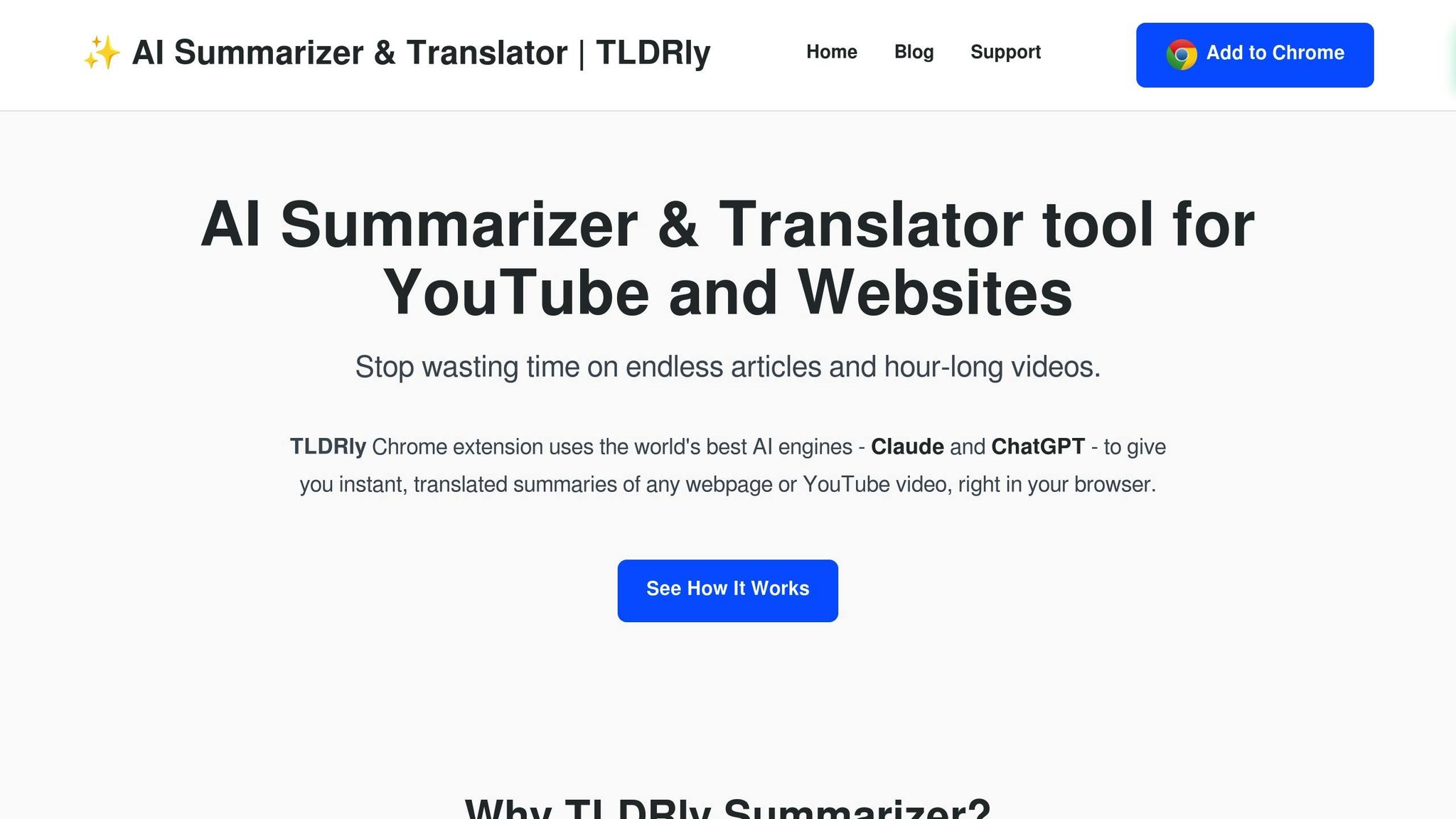
TLDRly is a Chrome extension that does exactly what the name suggests: gives you the TL;DR. But unlike most summarizers that produce generic bullet points, this one uses ChatGPT and Claude under the hood – which means the summaries actually capture nuance instead of just extracting sentences that happen to contain keywords.
Content Types Supported
This is where TLDRly earns its keep. It handles YouTube videos (finally – no more watching 45-minute podcasts for two useful insights), news articles, Wikipedia entries, blog posts, and Gmail messages with a single click.
The PDF support up to 25 MB is particularly useful. You can summarize that 80-page quarterly report your CFO sent at 4:47 PM on Friday without actually reading 80 pages.
Key Features
The friction here is basically zero. One click, summary appears. You don't leave your current tab, you don't copy-paste into another app, you don't wait for a page to load.
The multilingual functionality is genuinely useful if you're dealing with international content. It summarizes and translates simultaneously – so if you're tracking, say, Japanese market research, you get the key points in English without running it through Google Translate first.
And yes, TLDRly prioritizes data security. Worth mentioning because a lot of browser extensions are basically data harvesting operations with a thin feature layer on top.
Target User Groups
Students and researchers: When you need to decide if a paper is worth your time in under 30 seconds.
Professionals: When your inbox has 47 "quick updates" that are each 800 words.
FOMO sufferers: When you want to stay informed on five different topics but don't have five different hours. TLDRly lets you skim at speed.
Pricing and Plans
The free plan covers basic summarization and translation – enough to test if it fits your workflow. Premium unlocks enhanced PDF handling and more powerful AI models for heavier users.
2. Powerdrill AI
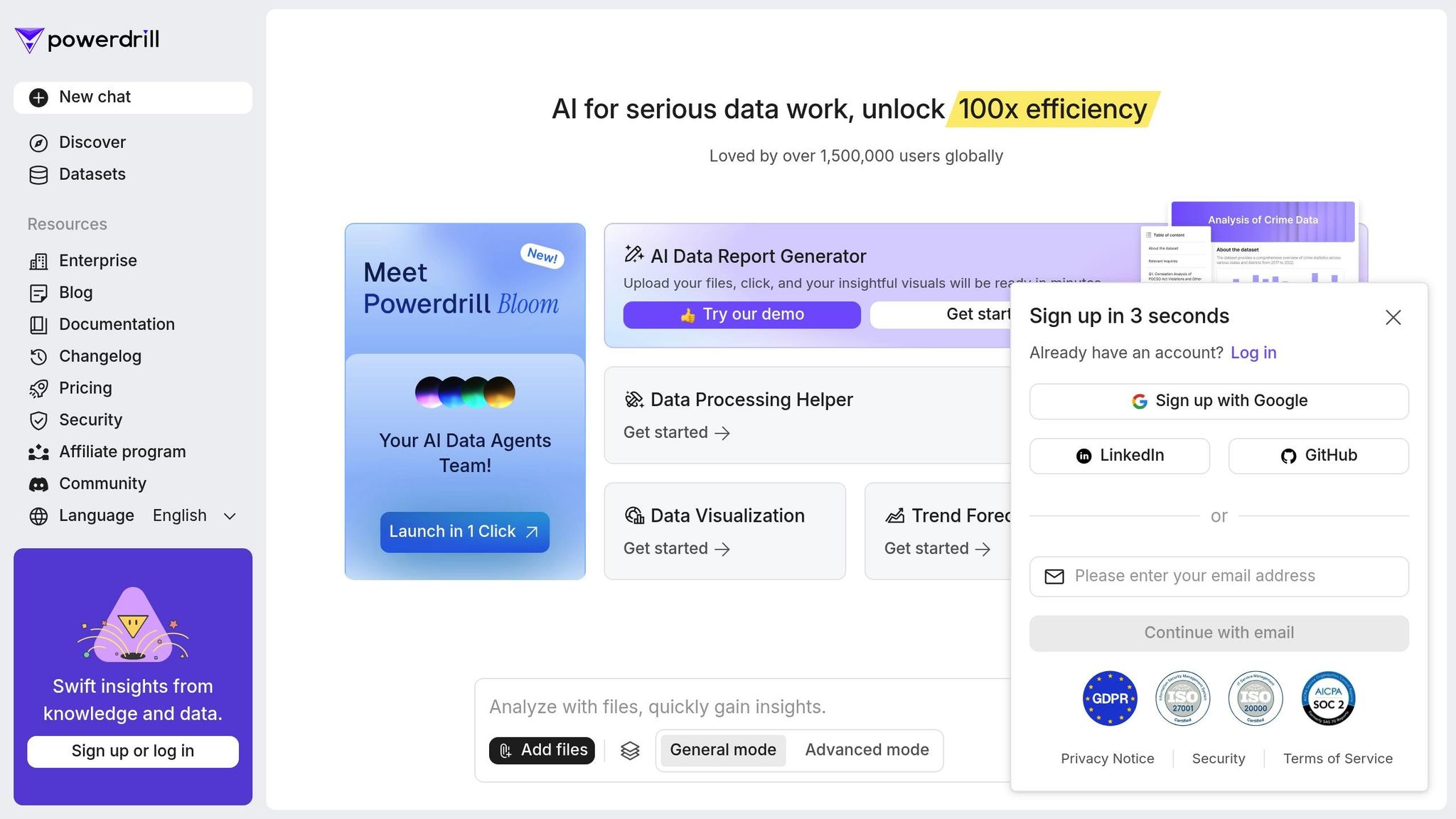
If TLDRly handles text overload, Powerdrill AI tackles data overload. It's the tool for when you have spreadsheets, dashboards, and databases – and you need answers, not more pivot tables.
Data Sources and Analytics
Powerdrill connects to spreadsheets, dashboards, and databases, then lets you query everything in plain English. "What was our customer acquisition cost by channel last quarter?" becomes a question you can literally type, instead of a 20-minute Excel adventure.
Real-time processing means you're working with current data, not last week's export.
Key Features
Natural language querying is the headline feature. You ask questions in normal words. The AI figures out what data to pull and how to present it. No SQL knowledge required, no memorizing which column is named what.
It also generates visualizations on the fly – useful when you need to drop a chart into a presentation in the next 10 minutes.
Target User Groups
Business analysts and managers: Skip the "can you pull this data for me" email chain and just... pull it yourself.
Marketing teams: Campaign performance, customer behavior, channel attribution – all queryable without waiting for the analytics team.
Operations professionals: KPI monitoring and bottleneck identification without the usual spreadsheet archaeology.
Reducing Information Overload
The real value isn't just answering questions faster. It's removing the entire mental overhead of "how do I even find this information?" You stop navigating data structures and start thinking about decisions.
3. Decopy
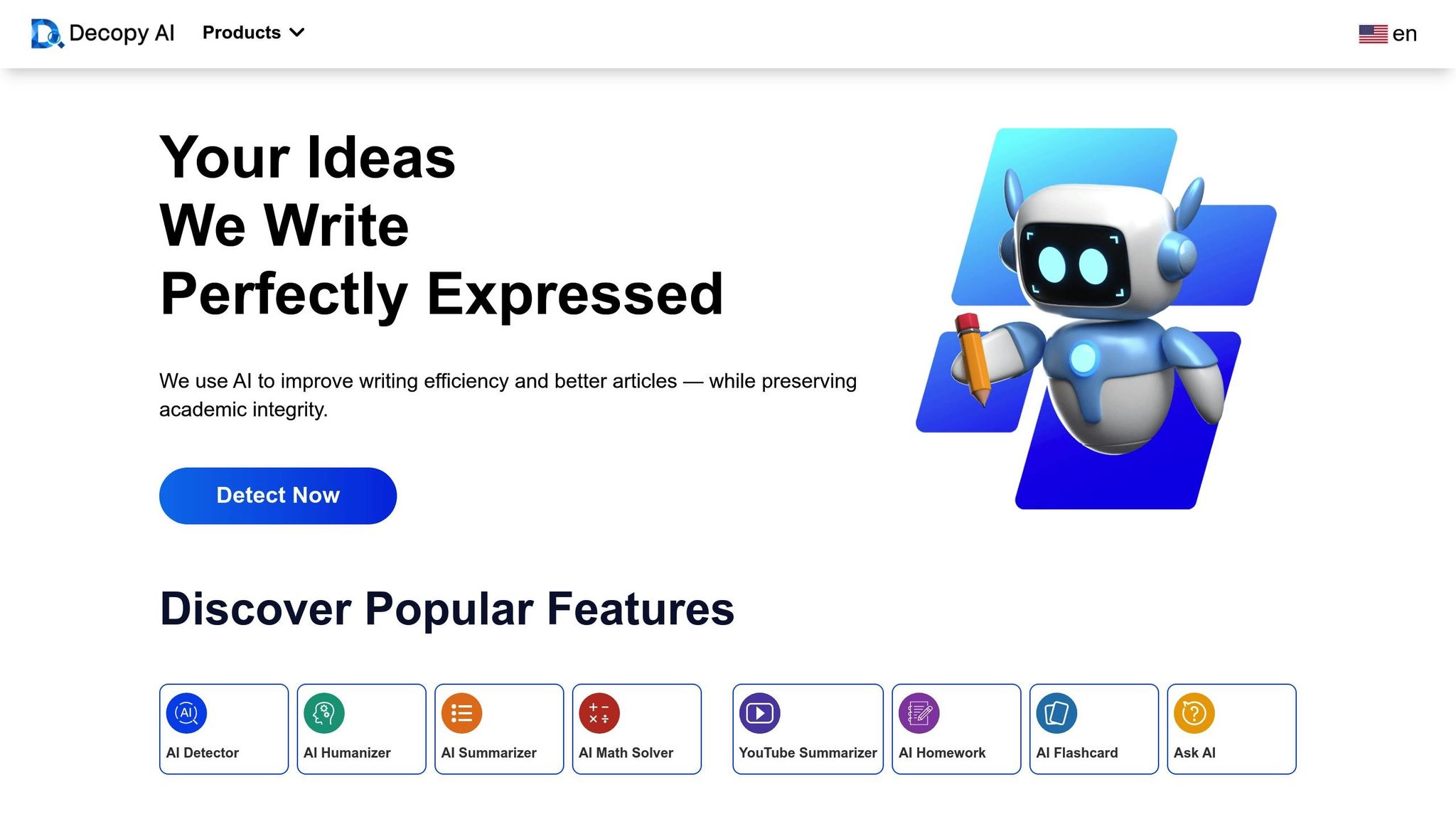
Decopy sits downstream from tools like Powerdrill. Once you have insights and data, Decopy helps you turn that raw material into actual content – drafts, outlines, emails, product descriptions.
Who Benefits from Decopy?
Marketing teams: When you need consistent brand voice across 50 pieces of content this month.
Small business owners: When you can't afford a copywriter but still need professional-quality copy for your website and emails.
Content creators and bloggers: For breaking through the blank page problem – Decopy generates structures and drafts you can refine.
Sales professionals: Personalized outreach at scale. Cold emails that don't read like cold emails.
E-commerce businesses: Product descriptions are tedious. Decopy makes them less tedious.
4. Sourcely
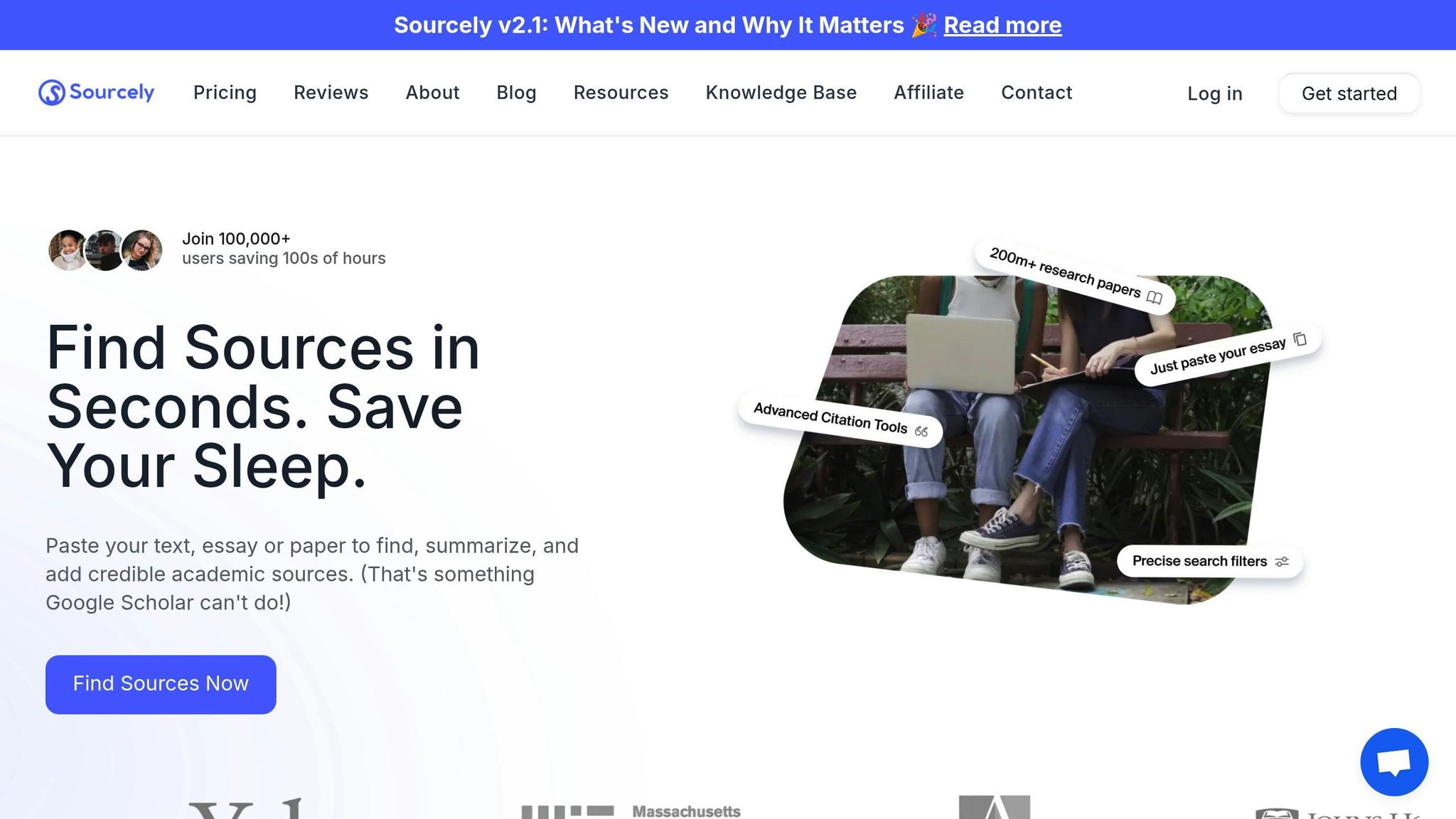
Academic research has a specific information overload problem: finding relevant sources is tedious, evaluating them is slow, and citing them correctly is annoying. Sourcely addresses all three by letting you paste your text and automatically identifying what needs citations – then recommending sources from its 200+ million paper database.
"Paste your text, essay or paper to find, summarize, and add credible academic sources." - Sourcely [1][2]
Content Types Supported
Works with uncited text across disciplines. Especially valuable for interdisciplinary work where you don't already know which journals to search. Pro members can upload entire essays or research papers for comprehensive citation analysis. Many recommended sources include free PDF downloads – bypassing the paywall problem that plagues academic research.
Key Features
The citation gap detection is the killer feature. Paste your draft, Sourcely highlights where you need sources and suggests relevant papers. It evaluates context and keywords, not just keyword matching – so recommendations actually strengthen your argument rather than just technically satisfying a "needs citation" requirement.
Source summaries let you evaluate relevance in 30 seconds instead of 10 minutes per paper.
Target User Groups
Graduate students and researchers: Literature reviews and thesis projects become manageable when you're not manually searching every database.
Academic professionals and faculty: Grant proposals and research papers require thorough sourcing. Sourcely handles the legwork.
Undergraduate students: Step up from Wikipedia and basic web searches to peer-reviewed materials without drowning in database interfaces.
Pricing and Plans
Free plan: Analyze up to 300 characters – enough to test the concept. Sourcely Pro trial: $7 one-time for up to 2,000 characters. Monthly subscription: $17/month. Annual: $167/year. The Pro tier at $14/month unlocks full paper processing and complete database access.
5. Paperguide
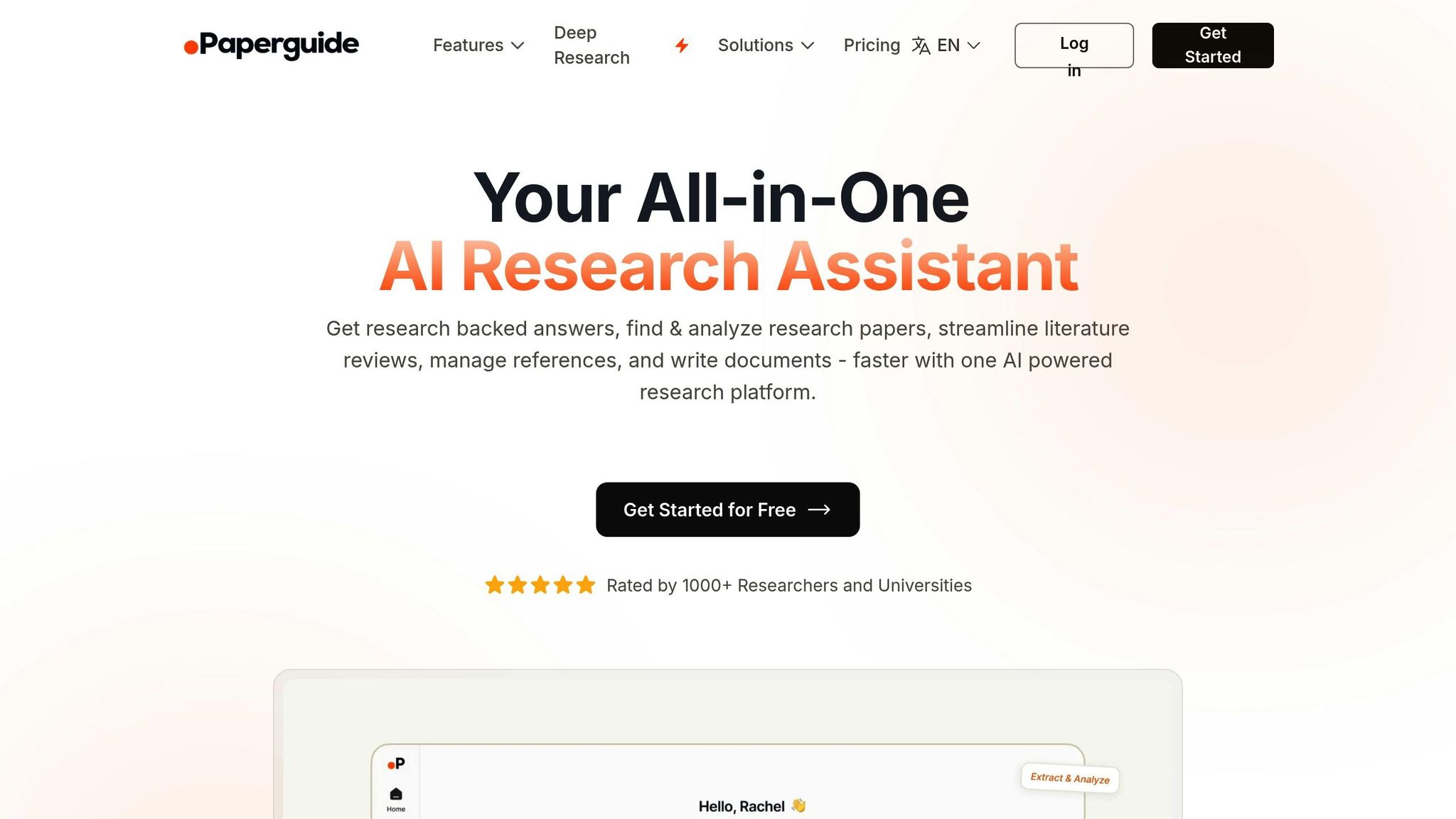
Where Sourcely focuses on finding and citing sources, Paperguide focuses on organizing and understanding them. Think of it as your research librarian – it creates structured summaries and organized compilations of academic literature so you can actually navigate your reading list.
Content Types Supported
Handles peer-reviewed journal articles, conference papers, dissertations, and technical reports. The emphasis isn't on citation management but on comprehension – helping you understand what papers actually say without reading every word.
Target User Groups
Graduate Students: Literature reviews stop being a month-long ordeal.
Academic Researchers and Faculty: Managing the fire hose of publications in your field becomes tractable.
Research Librarians and Information Specialists: Curating resources for others gets significantly faster.
Tool Comparison Chart
Here's TLDRly's feature breakdown at a glance:
| Tool | Key Features | Supported Content Types | Pricing (USD) | Target User Groups | Main Advantages | Limitations |
|---|---|---|---|---|---|---|
| TLDRly | One-click summaries, instant multilingual translations, privacy-focused AI summarization powered by ChatGPT and Claude | YouTube videos, articles, webpages | Free plan available; Premium features not specified | Lifelong learners, students, researchers, professionals | Easy-to-use browser extension; instant summaries and translations; prioritizes user data privacy | Limited functionality in free plan |
TLDRly's value proposition is simplicity. No learning curve, no setup, no leaving your browser. For anyone who consumes significant amounts of web content, the time savings compound quickly.
Conclusion
Information overload isn't going away. But these five tools represent a real shift in how we can manage it – not by consuming less, but by processing more efficiently.
The common pattern: they all reduce the cognitive tax of finding, understanding, and using information. TLDRly handles content you need to skim. Powerdrill handles data you need to query. Decopy handles content you need to create. Sourcely and Paperguide handle research you need to organize.
Pick based on your specific bottleneck. If you're drowning in articles and videos, start with TLDRly. If spreadsheets are your enemy, try Powerdrill. If academic literature is burying you, Sourcely or Paperguide.
The goal isn't to outsource thinking. It's to spend less time on the mechanical parts – summarizing, searching, formatting – so you have more time for the parts that actually require human judgment.
These tools won't make you smarter. But they'll make you faster at the stuff that doesn't require being smart. And in 2025, that's a competitive advantage worth having.
FAQs
The better tools in this space use encryption and secure storage, process data locally where possible, and apply anonymization to protect personal details. TLDRly specifically emphasizes data privacy as a core feature.
Most legitimate AI tools comply with GDPR and CCPA – but that's table stakes at this point. The real question is whether they're selling your data to train models or serve ads. Check the privacy policy before committing to a tool you'll use with sensitive information.
Varies by tool. Browser extensions like TLDRly require essentially zero integration – install, click, done. Data tools like Powerdrill need clean data sources and clear objectives to work well. The general rule: tools designed for individual productivity integrate easily; tools designed for team workflows require more setup.
Your results will scale with how organized your existing data and processes are. Garbage in, garbage out still applies.
Free tiers let you test if a tool fits your workflow. Premium typically adds: higher usage limits, advanced features (better AI models, more integrations), and priority support.
For casual use, free is often sufficient. For daily professional use, premium usually pays for itself in time savings within the first week. Check each tool's pricing page for specifics – the details matter more than generalities here.