ChatGPT vs Claude: Which AI Summarizes Better?
I've spent the past six months feeding both ChatGPT and Claude everything from 40-page research papers to two-paragraph news briefs. The verdict? Neither wins outright – but each dominates specific use cases.
ChatGPT (OpenAI's flagship) crushes it with medium-length content: blog posts, news articles, white papers under 15,000 words. It's fast, produces clean bullet-point summaries, and rarely misses the thesis. But throw a 100-page legal brief at it, and you'll watch it struggle with context windows and lose the thread.
Claude (Anthropic's answer) flips that equation. It handles massive documents – entire books, dense research compilations, sprawling contracts – without breaking content into chunks. The tradeoff? It's slower, and its conversational output style can feel meandering when you just need five bullet points.
Key Takeaways:
- ChatGPT: Your go-to for anything under 20,000 words when speed matters
- Claude: The better choice for lengthy technical docs where context preservation is non-negotiable
Quick Comparison:
| Feature | ChatGPT | Claude |
|---|---|---|
| Context Handling | ~32K tokens (~24K words) | Handles book-length documents |
| Speed | Fast – seconds for most content | Noticeably slower on complex material |
| Style | Structured bullets and lists | Narrative, conversational flow |
| Best For | Blog posts, news, white papers | Research papers, legal documents, books |
TLDRly sidesteps this whole debate by routing content to whichever model fits best. Drop in a quick article? ChatGPT handles it. Feed it a 200-page PDF? Claude takes over. No manual switching required.
ChatGPT vs Claude: Which One Should You Use?
ChatGPT: Features and Summarization Capabilities
ChatGPT has become the default summarization tool for a reason: it's genuinely good at extracting signal from noise. Feed it a dense market analysis report, and it'll pull out the core argument, supporting data, and conclusions in a format you can actually skim.
ChatGPT Strengths
The step-by-step reasoning is where ChatGPT really shines. Ask it to summarize a complex policy paper, and it won't just grab random sentences – it traces the logic, identifies the pivots in argumentation, and presents them in order.
The interface encourages iteration. Start with "summarize this," then refine with "focus on the regulatory implications" or "cut this to three sentences." That back-and-forth feels natural and produces increasingly precise outputs.
Technical translation is another win. I've fed it software architecture docs loaded with jargon – dependency injection, microservices patterns, event sourcing – and gotten summaries that a non-technical stakeholder could actually use. It knows when to keep terms and when to explain them.
ChatGPT Limitations
The context window is the dealbreaker for long-form work. At roughly 32,000 tokens (about 24,000 words), you'll hit walls with anything substantial. Splitting a 50-page document into chunks means ChatGPT loses connections between sections. The summary of part three won't reference the crucial context from part one.
The knowledge cutoff matters too. ChatGPT can't summarize that research paper published last month unless you paste the full text. For fast-moving fields – AI research, policy changes, market developments – this creates friction.
And sometimes it oversimplifies. Specialized material with nuanced arguments can get flattened into generalities. I've seen it miss the key distinction in a paper because that distinction required understanding the previous decade of research in the field.
When to Use ChatGPT
ChatGPT earns its keep with content that fits cleanly in its context window. Blog posts, news articles, quarterly reports under 15,000 words – these are its wheelhouse.
For students scanning academic papers: ChatGPT identifies the hypothesis, methodology, and findings quickly. You'll still need to read the paper, but you'll know which sections matter before you start.
Business users benefit most from the customization. Need an executive summary for leadership and a detailed breakdown for the ops team? Same source document, two prompts, two outputs tailored to different audiences.
Content teams use it to distill customer feedback surveys, interview transcripts, and competitive analysis into actionable briefs. The structured output format – numbered lists, headers, bold key terms – matches how most teams want to consume information.
Claude: Features and Summarization Capabilities
Claude approaches summarization differently. Where ChatGPT optimizes for speed and structure, Claude prioritizes depth and context preservation. For certain documents, that tradeoff is exactly right.
Claude Strengths
The context window is Claude's killer feature. Feed it an entire 300-page technical manual, and it processes the whole thing without chunking. That matters enormously for documents where page 47 references a concept introduced on page 12. The summary maintains those connections.
Claude tracks argumentative structure exceptionally well. In a legal brief with multiple counterarguments and rebuttals, Claude identifies which points the author prioritizes, which ones get dismissive treatment, and where the logical vulnerabilities lie. That's analysis, not just summarization.
Anthropic built Claude with safety and privacy as core principles. For organizations summarizing confidential documents – M&A materials, personnel reviews, proprietary research – that design philosophy provides genuine assurance.
The adaptive output is underrated. Claude adjusts formality based on input. Feed it a casual Slack thread, get casual language back. Feed it a formal legal document, get precise terminology. It matches register automatically.
Claude Limitations
Speed is the obvious tradeoff. Complex documents take noticeably longer – sometimes 30-60 seconds for dense material that ChatGPT would process in 10. For quick turnaround work, that lag adds up.
Claude's cautious approach to sensitive topics can frustrate users who need direct analysis. Ask it to summarize a controversial position paper, and you might get hedged language that softens the original's sharp edges. Sometimes accuracy means preserving those edges.
The conversational output style doesn't work for everyone. If you want scannable bullet points, Claude's paragraph-heavy responses require extra processing. You're trading efficiency for nuance.
When to Use Claude
Claude dominates with document types that require sustained attention across long texts.
- Research synthesis: Graduate students reviewing 20+ papers for a literature review will find Claude connects themes across sources better than ChatGPT
- Legal analysis: Contracts, case law, regulatory filings – anywhere precise language and full context matter
- Due diligence: Business development teams processing hundreds of pages of financial statements and operational documents
- Deep research preparation: Writers and analysts who need to internalize large volumes before producing original work
Claude isn't for quick hits. It's for situations where missing context costs you more than extra processing time.
ChatGPT vs Claude: Direct Comparison
The right choice depends on your content and workflow. Here's how they stack up head-to-head.
Feature Comparison
| Feature | ChatGPT | Claude |
|---|---|---|
| Context Handling | ~32K tokens, struggles with chunked content | Handles book-length documents natively |
| Summarization Style | Clean bullets, structured lists | Flowing paragraphs, narrative connection |
| Speed | Fast – under 10 seconds typically | 30-60 seconds for complex material |
| Document Suitability | Articles, reports under 20K words | Research papers, legal docs, lengthy technical material |
| Customization | Strong prompt-based refinement | Adapts output style to match input register |
Accuracy and Speed
Both tools produce reliable summaries, but they optimize for different outcomes. ChatGPT sacrifices some nuance for speed – useful when you're scanning 15 articles before a meeting. Claude sacrifices speed for context preservation – essential when that 80-page contract contains a poison pill buried on page 67.
I've tested both on the same 10,000-word policy document. ChatGPT returned accurate key points in 8 seconds. Claude took 45 seconds but caught an important exception clause that ChatGPT missed. Neither was wrong – they just prioritized differently.
User Experience for US Users
ChatGPT's interface matches American business communication norms: bullet points, action items, executive-summary formatting. Most US professionals will find the output immediately usable without reformatting.
Claude's narrative style requires adjustment for users accustomed to skimmable formats. But that style carries more context – useful when you need to defend a summary's conclusions to skeptical colleagues. "Claude said so" doesn't work; "Claude traced the author's argument through these three stages" does.
Both tools handle US English formatting standards correctly – dates, currency, measurement units. That's table stakes, but worth confirming.
How TLDRly Uses ChatGPT and Claude
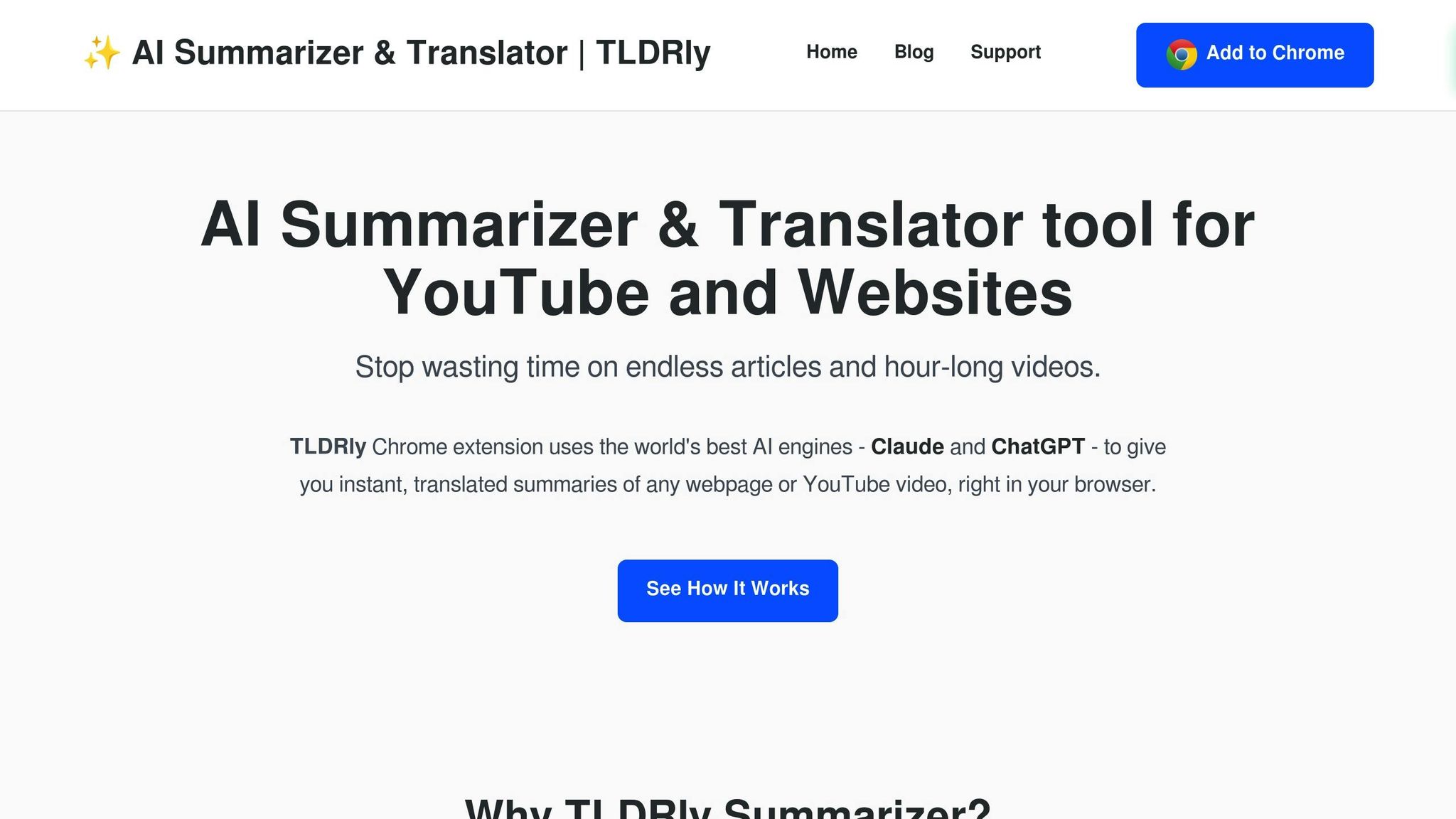
TLDRly's approach is pragmatic: use the right tool for each job instead of forcing one model to do everything. Drop in content, and TLDRly routes it to whichever model handles that content type best.
Short news article? ChatGPT processes it fast. 150-page research PDF? Claude gets it. You don't pick – the system does.
This matters because most people work with mixed content. Morning might involve scanning industry news (ChatGPT territory), afternoon might require digesting a competitor's lengthy technical whitepaper (Claude territory). Managing that manually means context-switching between tools, remembering which one handles what, maintaining multiple subscriptions.
TLDRly combines both strengths into a single workflow.
TLDRly Features
The platform integrates where you already work: browser extensions for news sites and Wikipedia, YouTube transcript processing, Gmail integration for email summaries.
YouTube summarization is genuinely useful. Paste a 2-hour conference talk URL, get timestamped bullet points of the key sections. Skip the 47 minutes of Q&A that's mostly off-topic.
PDF handling addresses a real gap. Most AI tools choke on PDFs or require copy-paste extraction. TLDRly processes them directly, maintaining structure and feeding them to whichever model handles the length best.
Multilingual support extends the tool's utility for global content. The translation-plus-summarization combo means you can process a German research paper and get English bullet points without intermediate steps.
Privacy gets serious treatment: content processes without persistent storage. Your confidential documents don't train future models or linger in logs.
Pricing Plans
Two tiers:
- Free Plan: Core summarization across articles, YouTube, and web pages. Multilingual support included. Good enough for casual use.
- Premium Plan: PDF handling, priority processing, extended AI capabilities. Worth it for anyone processing more than a few documents weekly – researchers, students in thesis mode, analysts, content teams.
Why Use TLDRly
The core value proposition is eliminating tool friction. Instead of deciding "is this a ChatGPT task or a Claude task?" every time you encounter content, TLDRly makes that decision automatically.
For people drowning in information – and that's most knowledge workers in 2025 – reducing decision fatigue around summarization tools creates real time savings. The dual-AI routing isn't a gimmick; it's acknowledging that no single model dominates all use cases.
The privacy-first approach also matters for professional use. Summarizing competitor documents, client materials, or internal strategy papers requires confidence that content stays confidential. TLDRly's no-storage model provides that.
Which AI Summarizer Should You Choose?
Skip the single-tool mindset. The better question is: what content do you work with most?
Heavy on short-form content – news, blogs, social posts, brief reports? ChatGPT alone handles this well. Fast, structured, cheap. If 90% of your summarization needs fit under 15,000 words, ChatGPT's speed advantage compounds daily.
Regularly processing long technical documents – research papers, legal filings, extensive reports? Claude's context handling becomes essential. Losing thread between document sections isn't just annoying – it produces summaries that miss critical connections.
Working with both? That's most people. And that's where TLDRly's dual-model approach earns its value. Instead of maintaining mental maps of which tool handles what, or paying for multiple subscriptions, you get automatic routing to the right model.
The real cost of picking the wrong tool isn't the subscription fee – it's missed information. A ChatGPT summary that loses context from a long document might miss the exception clause that changes everything. A Claude summary that takes 60 seconds when you needed 10 throws off your meeting prep.
TLDRly eliminates that decision overhead. For anyone processing diverse content types regularly, that simplification – plus the combined capabilities of both models – delivers more value than either tool alone.
FAQs
TLDRly analyzes incoming content characteristics – length, complexity indicators, document type – and routes to the appropriate model automatically. The specific algorithm isn't publicly documented, but in practice, short-form content goes to ChatGPT, lengthy or complex documents route to Claude. Users don't need to specify; the system determines optimal routing based on the content itself.
TLDRly processes content without persistent storage. Your documents pass through summarization and the output returns – no copies remain in the system for model training or future access. For organizations handling confidential materials, this design means summarization doesn't create data exposure risks. Standard security protocols protect content during the processing window itself.
TLDRly handles multilingual content with combined translation and summarization. Effectiveness varies by language – English produces the most reliable results, major European and Asian languages perform well, less-common languages see more variable quality. For best results with non-English content, ensure the source material is clearly written; poorly structured originals produce weaker summaries in any language. The platform continues expanding language support as underlying models improve.