AI Summarization and Translation: Best Tools for Browsers
Here's the reality of working online in 2025: you're drowning in content you don't have time to read, and half of it isn't even in your language. AI-powered summarization and translation browser extensions solve both problems without making you leave the page you're on.
Tools like TLDRly condense articles, YouTube videos, and research papers into digestible summaries while translating foreign-language content into plain English—all with a single click. They work where you already spend your time: YouTube, Gmail, Reddit, academic databases. And they do it without selling your data or requiring you to trust yet another service with your browsing history.
If you're a professional drowning in reports, a student buried in research papers, or just someone who wants to read that interesting German article without copy-pasting it into Google Translate, these tools have become table stakes for productive browsing.
How to Use Chrome's Built-in #AI: Translation, Language Detection & Summary
Core Features of AI Browser Extensions
Not all summarization extensions are created equal. The difference between a useful tool and a gimmick comes down to a handful of specific capabilities.
Instant Summarization for Articles, Pages, and Videos
The best extensions don't just shorten text—they understand what matters. When you hit summarize on a 3,000-word article, you should get the central argument, key evidence, and conclusions. Not a jumbled collection of random sentences.
For YouTube videos, this means timestamped summaries that let you skip directly to the 14:32 mark where the speaker finally gets to the point. No more scrubbing through 45-minute videos hoping to find the one insight you actually need.
The flexibility matters too. Sometimes you want the whole page summarized. Other times you just need to highlight three paragraphs of dense technical jargon and get the gist. Good extensions handle both without making you jump through hoops.
Multilingual Translation for Global Content
Translation features are where these tools go from "nice to have" to "how did I work without this." But the quality varies wildly.
Cheap translation engines do word-for-word substitution and produce gibberish. The better AI models—the ones powered by GPT-4 or Claude—actually understand context. They know that "banco" in a Spanish financial document means "bank," not "bench." They preserve technical terminology instead of mangling it.
For a marketing manager reviewing French competitor websites or a researcher reading Japanese clinical studies, this distinction is the difference between getting useful intel and getting confused.
"Quick summaries mean I can respond faster without stuffing around with clunky translations." - Isabella Williams, Marketing Manager
Most extensions let you set a default language, so every translation automatically outputs to U.S. English without you clicking through settings each time.
Integration with Popular Platforms
An extension that works great on basic HTML pages but breaks on YouTube is essentially useless for most people's actual workflows.
The integrations that matter: YouTube (with transcript-based summarization), Gmail (for translating incoming emails), Reddit (for summarizing long threads), Substack (newsletters are notoriously long), Wikipedia (surprisingly dense once you're past the intro), and academic databases like PubMed and Google Scholar.
The good extensions add unobtrusive buttons directly to these platforms. On YouTube, you'll see a summary option right next to the subscribe button. In Gmail, a translation overlay appears when the extension detects non-English text. This stuff should work without you thinking about it.
Support for U.S. Formats
This sounds minor until you're trying to share translated content with American colleagues and the dates are in DD/MM/YYYY format, temperatures are in Celsius, and prices show up in euros.
Proper localization means automatic conversion: 25°C becomes 77°F, €50 becomes roughly $55, and 10 kilometers becomes 6.2 miles. The extension handles decimal separators, time formats (12-hour AM/PM), and American spelling conventions.
For anyone regularly processing international content, these automatic conversions eliminate the mental math and reformatting that otherwise slow you down.
TLDRly: AI Summarization and Translation for Chrome
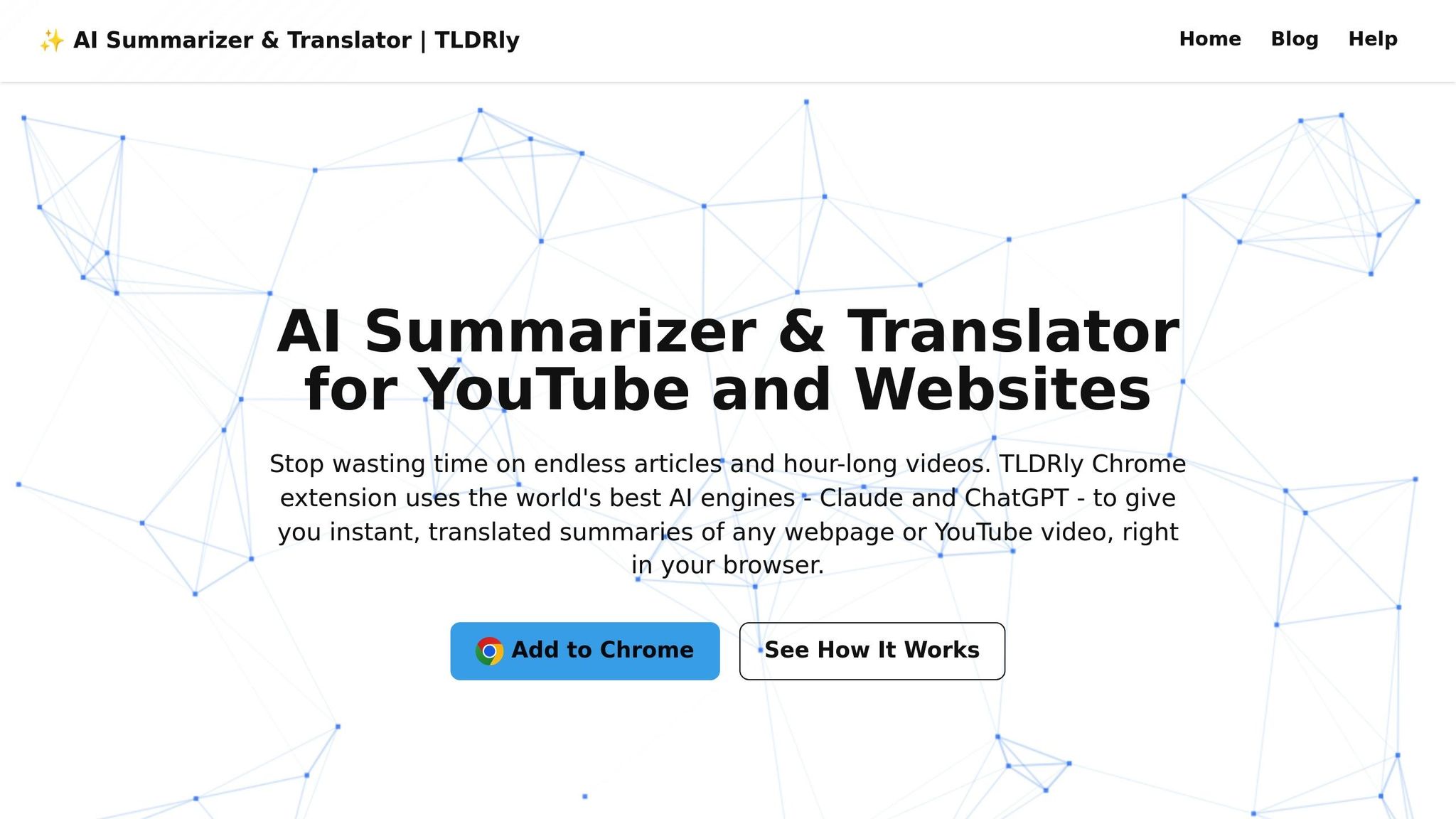
TLDRly is the extension I recommend for most users because it combines both summarization and translation without the bloat that plagues many alternatives. One button. Two problems solved.
The core value proposition is simple: you shouldn't need to read 2,000 words to decide if something is worth your time, and you shouldn't need to speak six languages to access global information.
Key Features of TLDRly
The one-click summarization works exactly as advertised. Click the button, get a summary. The extension remembers your language preference, so subsequent uses automatically translate to your default language without extra steps.
Platform support is comprehensive. YouTube summarization uses the video's transcript to generate timestamped breakdowns. Gmail integration catches foreign-language emails. Reddit, Wikipedia, Substack, research databases, and technical documentation all work out of the box.
The highlight-to-summarize feature is underrated. Instead of summarizing an entire page, you can select just the confusing paragraph in the middle of a technical document and get a plain-English explanation of that specific section.
"Honestly saves me hours every week. I can actually keep up with research papers now without drowning in the details. Wish I'd found this ages ago." - Emma Johnson, PhD Student
For professionals coordinating with international teams, TLDRly eliminates the friction of manual translation. You're not waiting for someone to translate a document or struggling through machine-translated gibberish—you get readable summaries in your language, immediately.
"Makes dealing with international clients so much easier. Quick summaries mean I can respond faster without stuffing around with clunky translations. Bloody brilliant tool." - Isabella Williams, Marketing Manager
AI Models Behind TLDRly
TLDRly runs on ChatGPT and Claude, which matters more than you might think. These aren't the bargain-basement language models that power most free translation tools. They're the same models that cost $20/month when accessed directly through OpenAI or Anthropic.
The difference shows up in output quality:
- ChatGPT handles conversational content well—blog posts, news articles, social media. It matches the tone of the source material and produces summaries that actually read naturally.
- Claude excels at technical and academic content. Dense research papers, legal documents, specialized technical documentation—Claude preserves the precision these sources require.
The extension intelligently routes different content types to the appropriate model. You don't need to think about which AI to use; TLDRly figures it out.
"Nine times out of ten the summary tells me everything I need to know - don't even bother with the full translation anymore. Absolute lifesaver when you're bouncing between countries." - James Smith, Digital Nomad
Privacy and Security Practices
Here's where TLDRly earns trust: no data sales, no advertising tracking, encrypted connections for all processing.
The extension is GDPR and CCPA compliant, which means clear data handling policies and user control over personal information. Content is processed only when you explicitly click summarize—no background data collection, no browsing behavior tracking.
Documents you upload for summarization are processed in secure environments and deleted after processing. Your PDF full of confidential financial data doesn't sit on some server waiting to be leaked.
For professionals handling sensitive information—lawyers, healthcare workers, financial analysts—this privacy posture isn't a nice-to-have. It's a requirement.
Use Cases for Summarization and Translation Tools
Time-Saving for Busy Professionals
The math is simple: if a 20-page market report can be condensed to a one-page summary in 30 seconds, you've just reclaimed 25 minutes you would have spent reading. Multiply that across every report, article, and document that crosses your desk, and you're looking at hours recovered weekly.
Financial analysts can scan market reports for the numbers that matter. Lawyers can stay current on case law without reading every ruling in full. Healthcare administrators can identify which clinical studies are relevant without wading through methodology sections.
The highlight-and-summarize feature handles internal communications and technical specs the same way. Long email threads? Summarized. Dense project documentation? Condensed to essentials.
For cross-border work, the translation layer adds another dimension. A business development manager working with Japanese suppliers can read translated website content instantly. A consultant analyzing European markets can process French and German reports without the 24-hour delay of professional translation services.
Even multimedia content becomes manageable. Conference recordings, product demos, industry podcasts—all summarizable without sitting through the full runtime.
Better Learning for Students and Researchers
Graduate students face a specific problem: literature reviews require processing dozens of sources, but actually reading every paper in full would take months. Summarization tools compress this workflow dramatically.
A biology student conducting a literature review can evaluate five times as many studies in the same time block. The summary tells them whether the methodology is relevant, what the findings were, and whether the full paper deserves deeper reading.
For international research, translation capabilities open up entire bodies of scholarship that would otherwise require language proficiency. A medical researcher can access Spanish-language clinical trials. A sociology student can incorporate Japanese survey data. The technical terminology gets translated accurately, preserving meaning across the language barrier.
YouTube has become a legitimate educational resource, especially for technical subjects. Lecture recordings, conference presentations, tutorial series—all can be summarized into study notes without watching every minute.
Multilingual Communication
Language barriers create friction in everything from business deals to travel planning to keeping in touch with family abroad. Real-time translation of web content removes that friction.
Business professionals can translate supplier websites, review foreign-language product specifications, and understand customer feedback in other languages—all without context-switching to a separate translation tool.
Travelers get access to local knowledge. Spanish-language restaurant reviews in Mexico City. Japanese tourism blogs for authentic recommendations. The content locals write for locals, made accessible.
Digital nomads juggling multiple countries appreciate that the extension remembers language preferences and adapts automatically. Local regulations, rental agreements, regional news—all readable without constant manual translation.
The AI models underlying TLDRly handle specialized terminology correctly. A developer reading Japanese technical documentation or a researcher analyzing German academic papers can trust that domain-specific terms are translated with appropriate precision.
Conclusion
Key Features and Benefits at a Glance
AI summarization and translation extensions have shifted from novelty to necessity for anyone processing significant online content. The core value is simple: stay on the page you're reading while eliminating information overload and language barriers simultaneously.
Professionals save hours on reports and documentation. Students accelerate research and literature reviews. Anyone working across languages gains instant access to global content without translation delays.
The best tools integrate directly into the platforms you already use—YouTube, Gmail, Reddit, Wikipedia, academic databases—so the functionality appears where you need it without workflow disruption.
Why TLDRly Stands Out for U.S. Users
TLDRly combines summarization and translation in a single Chrome extension, powered by ChatGPT and Claude. Those AI models normally cost $20/month each; you get access to both through TLDRly without separate subscriptions.
The one-click simplicity fits fast-paced workflows. Summarize full pages or highlight specific sections. Translate to your default language automatically. The extension adapts to what you need without requiring configuration each time.
"Makes dealing with international clients so much easier. Quick summaries mean I can respond faster without stuffing around with clunky translations. Bloody brilliant tool." - Isabella Williams, Marketing Manager
"Nine times out of ten the summary tells me everything I need to know - don't even bother with the full translation anymore. Absolute lifesaver when you're bouncing between countries." - James Smith, Digital Nomad
Privacy practices are solid: no data sales, no advertising, encrypted connections, GDPR and CCPA compliance. For professionals handling sensitive information, this matters.
The platform integrations work reliably across news sites, YouTube, Gmail, Substack, Reddit, Wikipedia, and academic research databases. U.S.-specific formatting (MM/DD/YYYY dates, USD prices, imperial units) gets applied automatically to translated content.
If you're spending meaningful time online—reading, researching, communicating across languages—TLDRly removes the friction that otherwise slows you down.
FAQs
The better AI tools use end-to-end encryption for data transmission and process content in secure, isolated environments. Some operate directly on your device without sending data to external servers; others anonymize information so it can't be traced back to individual users.
Reputable tools comply with GDPR and CCPA, which means documented data handling practices and user rights to control their information. But privacy policies vary significantly between tools—read them before trusting an extension with sensitive content.
Traditional summarization tools extract sentences. ChatGPT and Claude understand context, identify what actually matters, and generate summaries that read naturally. The difference is particularly obvious with complex content—technical documents, nuanced arguments, specialized terminology.
TLDRly gives you access to both models through a single extension. ChatGPT handles conversational content well; Claude excels at technical and academic material. You get the strengths of both without managing separate subscriptions or choosing which model to use for each task.
TLDRly delivers instant AI-generated summaries for YouTube videos, articles, and webpages—plus multilingual translation to your preferred language. Instead of reading everything to find what's relevant, you scan summaries and dive deep only where it matters.
For students, this means faster literature reviews and access to research in other languages. For professionals, it means keeping up with industry developments without dedicating hours to reading. The language translation eliminates barriers to global content that would otherwise require professional translation services or language proficiency you don't have.