10 Ways AI Summaries Boost Student Productivity
AI summarization tools have fundamentally changed how students handle their coursework. Instead of spending hours manually extracting key points from dense texts, you can now get the essentials in seconds. Here's a breakdown of the tools worth knowing:
- TLDRly: Chrome extension that summarizes web articles, YouTube videos, and research papers without leaving your browser.
- ChatGPT: Breaks down complex academic texts through conversation – great for when you need to ask follow-up questions.
- SummarizeBot: Handles lecture notes, PDFs, and audio recordings.
- Scholarcy: Extracts citations and key findings from academic papers automatically.
- QuillBot: Combines paraphrasing with summarization for writing assignments.
- SMMRY: No-frills summarization for news articles and web content.
- Resoomer: Built specifically for academic texts like journals and textbooks.
- Genei: Organizes and summarizes large reading lists for research projects.
- Otter.ai: Transcribes and summarizes lectures in real-time.
- Microsoft Word AI: Built-in Copilot summarization for students already working in Word.
Each tool has its niche. Some excel at live transcription, others at citation generation. The right choice depends on whether you're cramming for finals, conducting literature reviews, or just trying to keep up with weekly readings.
Best Free AI Tools to Summarise Research Articles (2025 Review)
1. TLDRly: Quick Summaries for Textbooks and Online Content
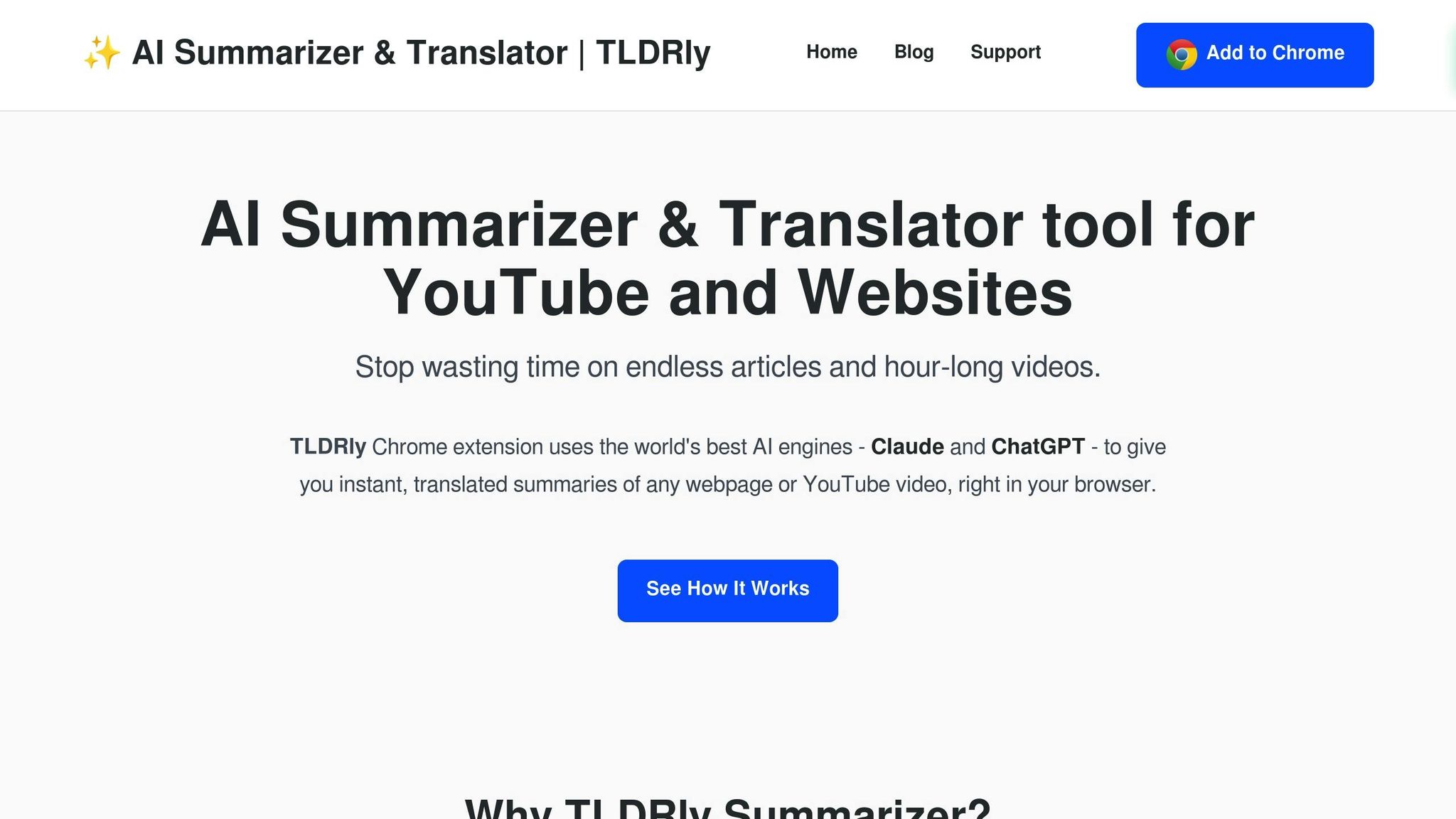
TLDRly is a Chrome extension that eliminates the context-switching problem. You don't need to copy text into a separate app or open another tab – summaries appear directly alongside the content you're reading. Articles, research papers, YouTube educational videos: one click, done.
Time-Saving Capabilities
The friction of traditional summarization – copy, paste, wait, read – adds up. TLDRly reduces that to a single browser click. For students pulling information from 15 different sources for a paper, that's the difference between an afternoon and an evening.
The real time savings come from not taking extensive notes. When the tool extracts key points accurately, you can focus on understanding rather than transcription.
Academic Content Support
Powered by ChatGPT and Claude under the hood, TLDRly handles the dense academic language that trips up simpler tools. Economics papers with technical jargon? Biology research with methodology sections? It adapts.
The multilingual translation feature is underrated. If you're researching a topic and the best paper happens to be in German or Spanish, TLDRly can summarize it and deliver the output in English. That's access to research you'd otherwise skip entirely.
Privacy and Data Security
TLDRly emphasizes privacy in its data handling, but always verify this against your own institutional requirements – some universities have specific policies about third-party AI tools.
The free tier covers basic summarization and translation. Premium unlocks PDF support and enhanced AI features for heavier academic workloads.
2. ChatGPT: Break Down Complex Research Papers
ChatGPT's advantage over static summarizers: you can have a conversation. Paste in a research paper excerpt, get a summary, then ask "Wait, what does the confidence interval actually mean here?" and get a plain-English explanation. That back-and-forth is what makes it stick.
It's particularly strong at decoding statistical analyses and theoretical frameworks. The kind of content where you read a paragraph three times and still aren't sure what happened? ChatGPT untangles it.
Time-Saving Capabilities
Literature reviews are where ChatGPT shines. Instead of reading 25 papers end-to-end to identify which ones are relevant, you can paste abstracts and methodology sections and ask: "Is this study relevant to [your specific research question]?" Within minutes, you've triaged your reading list.
Targeted questions work better than broad ones. "Summarize the results section" beats "summarize this paper" because you get exactly what you need for your assignment.
Academic Content Support
ChatGPT handles everything from STEM research to humanities analysis. It explains data visualizations, interprets experimental designs, and contextualizes findings within broader academic debates.
That last part matters for writing strong papers. Knowing why a study is significant – how it challenges or confirms existing theories – is the difference between summary and analysis.
Privacy and Data Security
Check your university's AI policy before uploading full copyrighted papers. Most institutions have guidelines about this now. Safer approach: paste specific sections or describe what you're trying to understand rather than uploading entire documents.
The free version handles most student needs. ChatGPT Plus is worth considering during finals week when response times slow down due to high demand.
3. SummarizeBot: AI-Powered Lecture Note Summarization
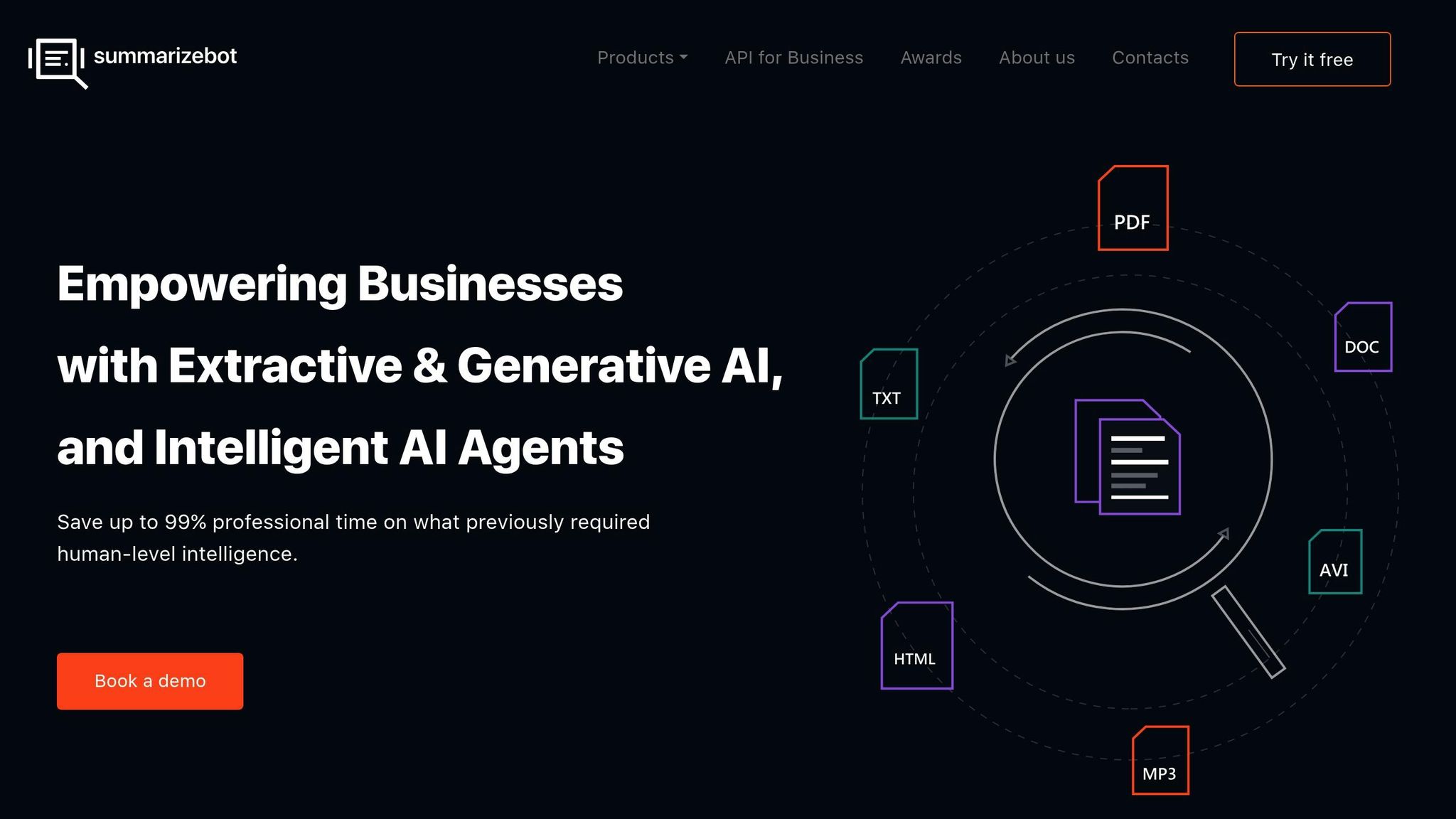
SummarizeBot focuses on the formats that accumulate during a semester: PDFs, Word documents, audio recordings of lectures. Upload your messy typed notes or a recording from class, and it extracts the structure.
The tool works best with notes that have some organization – headings, bullet points, logical flow. It recognizes academic terminology across disciplines, so the connections between concepts stay intact whether you're studying biology, economics, or history.
Privacy-wise, SummarizeBot processes files on secure servers and deletes them after completion. Still, treat it as a supplementary tool and verify summaries against your original sources before using them in assignments.
4. Scholarcy: Turn Academic Articles into Key Points
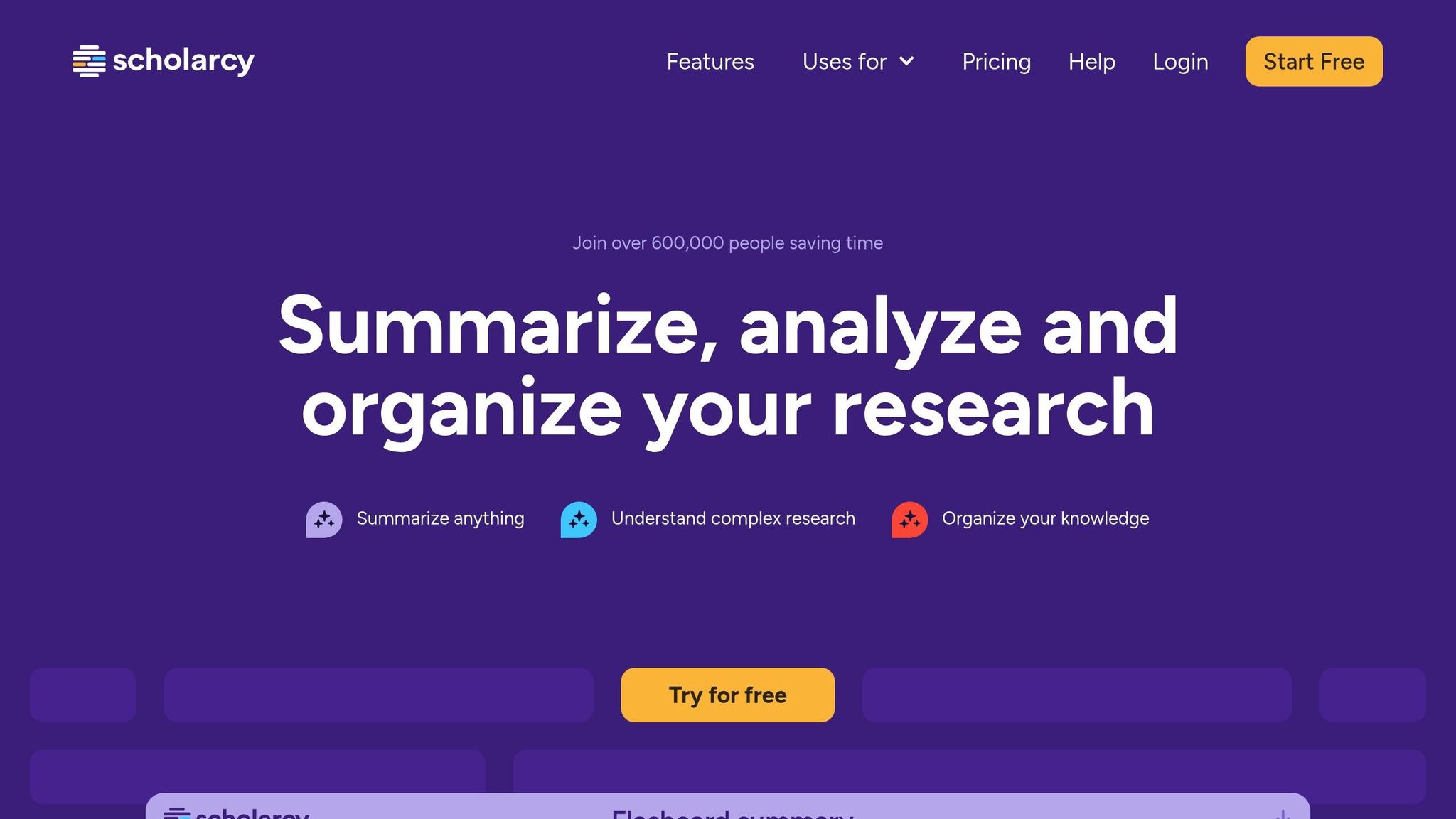
Scholarcy is built for one thing: academic papers. It breaks down research articles, journal publications, textbooks, and PDFs into structured summaries with automatically extracted citations.
That citation extraction is the killer feature. Instead of manually building your reference list while reading, Scholarcy pulls out the sources as you go. For literature-heavy assignments, this alone justifies the learning curve.
Natural language processing identifies core findings and arguments, letting you assess relevance quickly before committing to a full read.
5. QuillBot: Paraphrase and Summarize for Better Understanding
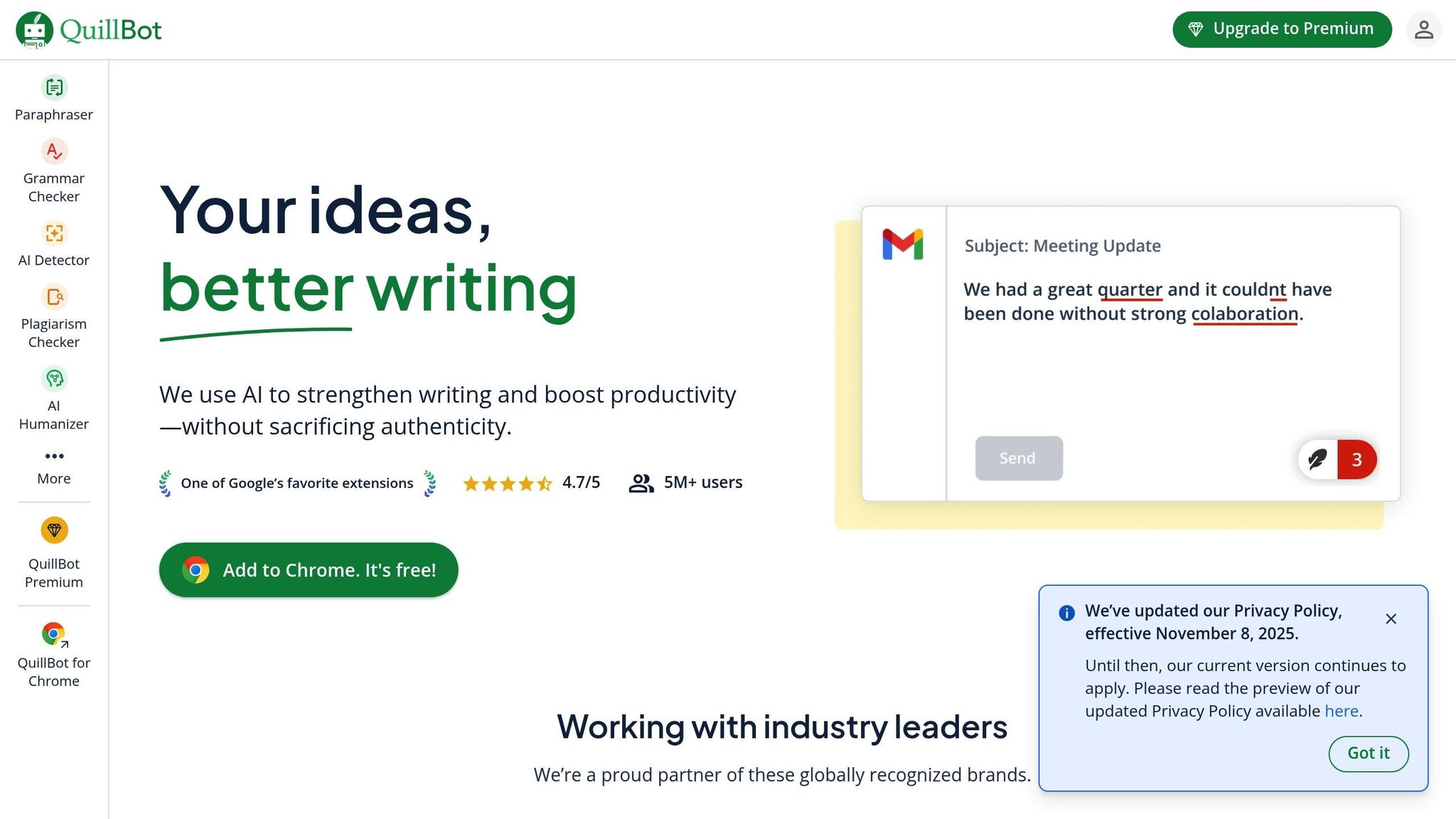
QuillBot combines two functions: it summarizes content, then lets you paraphrase key passages. That dual approach is useful when you need to understand something and write about it without accidentally plagiarizing.
Academic Content Support
QuillBot adapts to different academic writing styles – scientific research, historical analysis, literary criticism, business case studies. It preserves specialized vocabulary while simplifying sentence structure.
The academic mode maintains formal tone, which matters when you're producing content for professors who notice when writing drifts into casual territory.
Saving Time and Effort
Generate a summary, then refine specific sections through paraphrasing. It's a two-step workflow that produces both understanding and usable text for your assignments.
Accurate Summarization
The natural language processing identifies key arguments without dropping critical details. You can adjust summary length – brief overview or detailed breakdown – depending on whether you're skimming or studying.
6. SMMRY: Fast Summaries of Online Articles and News
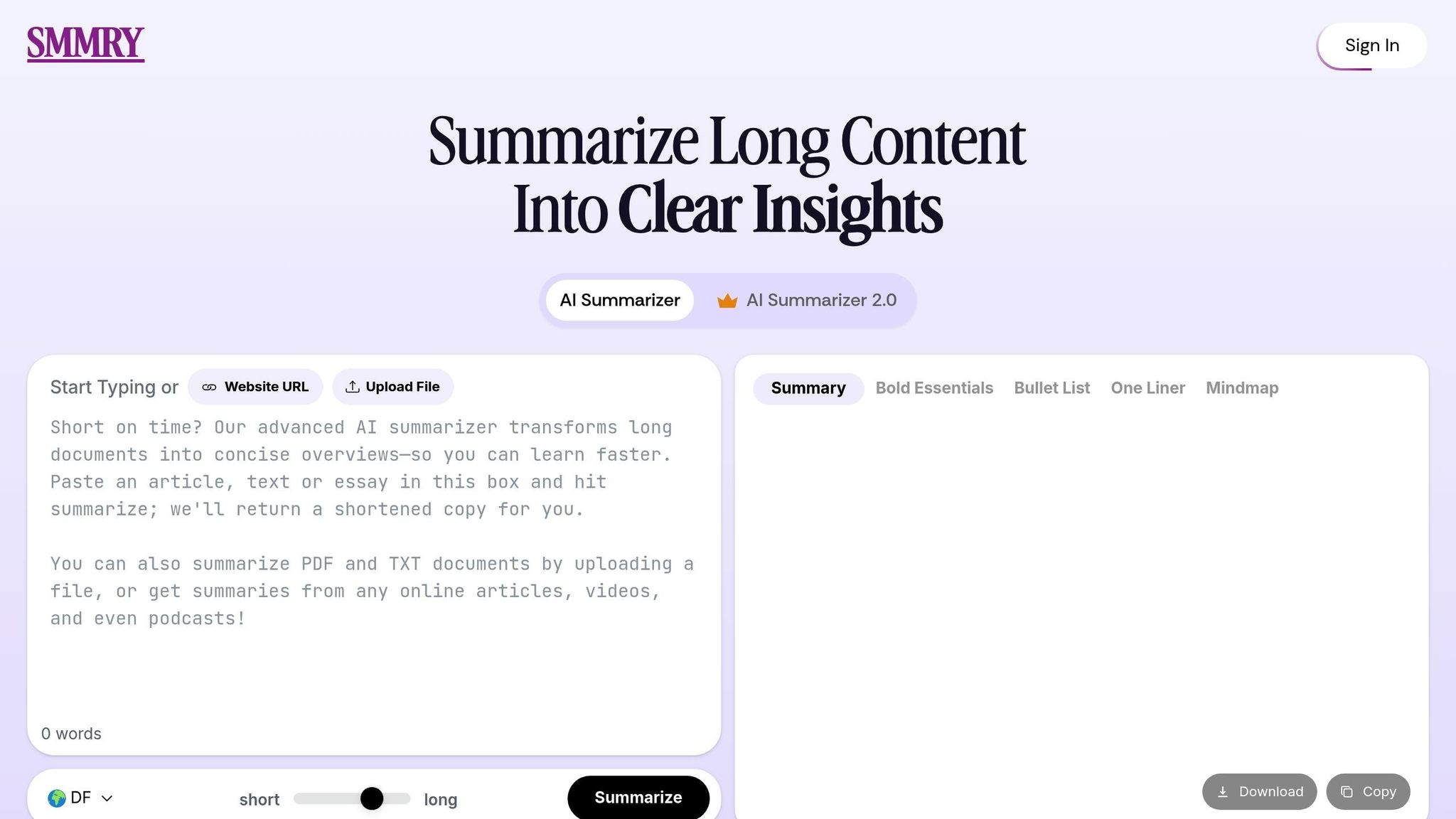
SMMRY is the no-frills option. Paste a URL or text, get a summary. No accounts, no complex features. It's fast and handles news articles and web content well.
Privacy and Data Security
SMMRY uses AES-256 encryption and doesn't store data after processing. It complies with GDPR and CCPA. Even the free plan includes full data security[1]. For students who just need quick summaries without platform lock-in, it's a solid choice.
7. Resoomer: Focused Summarization for Academic Texts
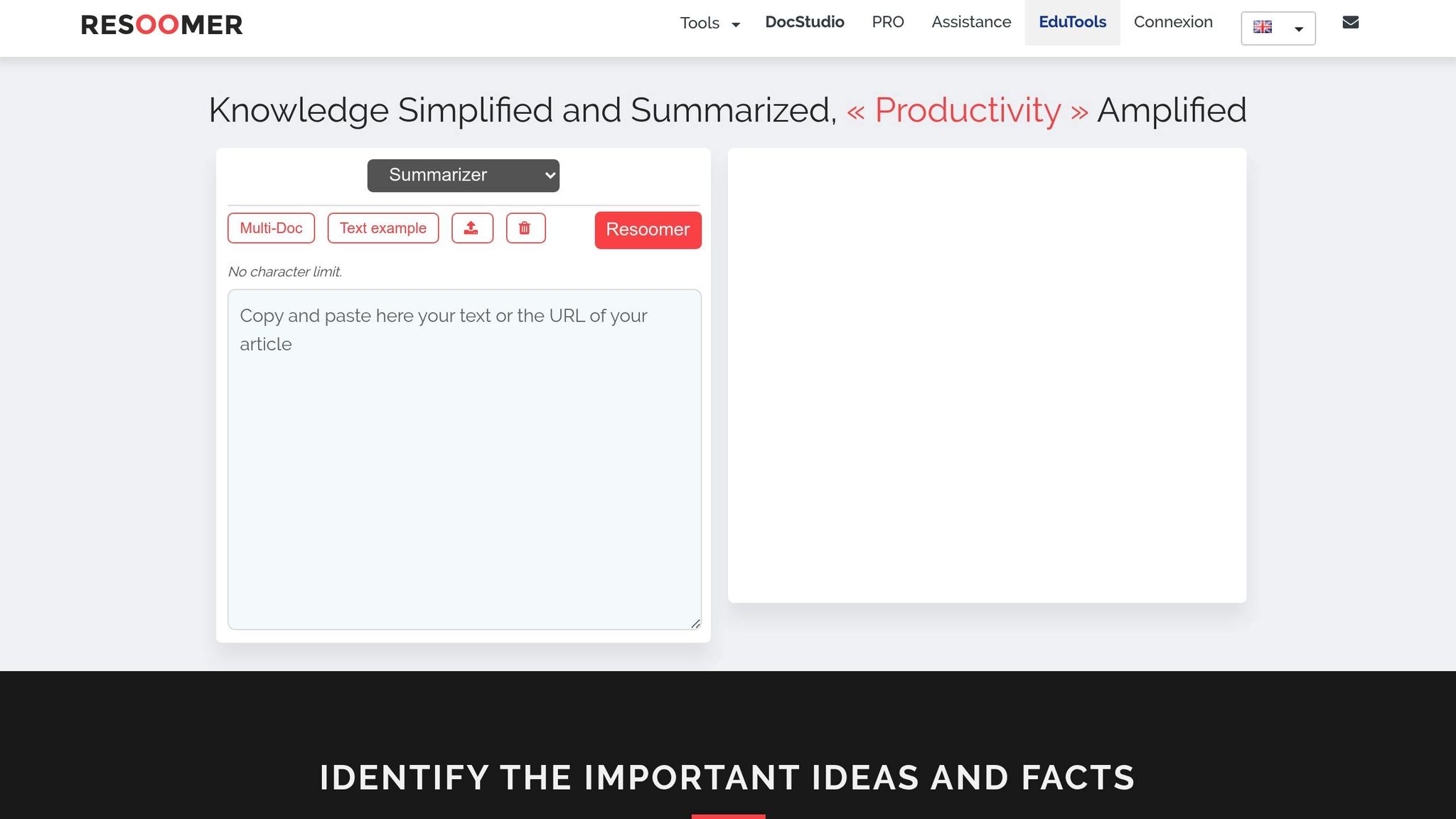
Resoomer targets academic materials specifically. The free version highlights key sentences in your source text. The premium "Assisted" mode ($10.57/month) creates more polished summaries that synthesize the essential points rather than just extracting them[2].
That distinction matters for complex academic writing where the key insight isn't stated directly but emerges from the argument's structure.
8. Genei: AI Summaries for Research and Study Planning
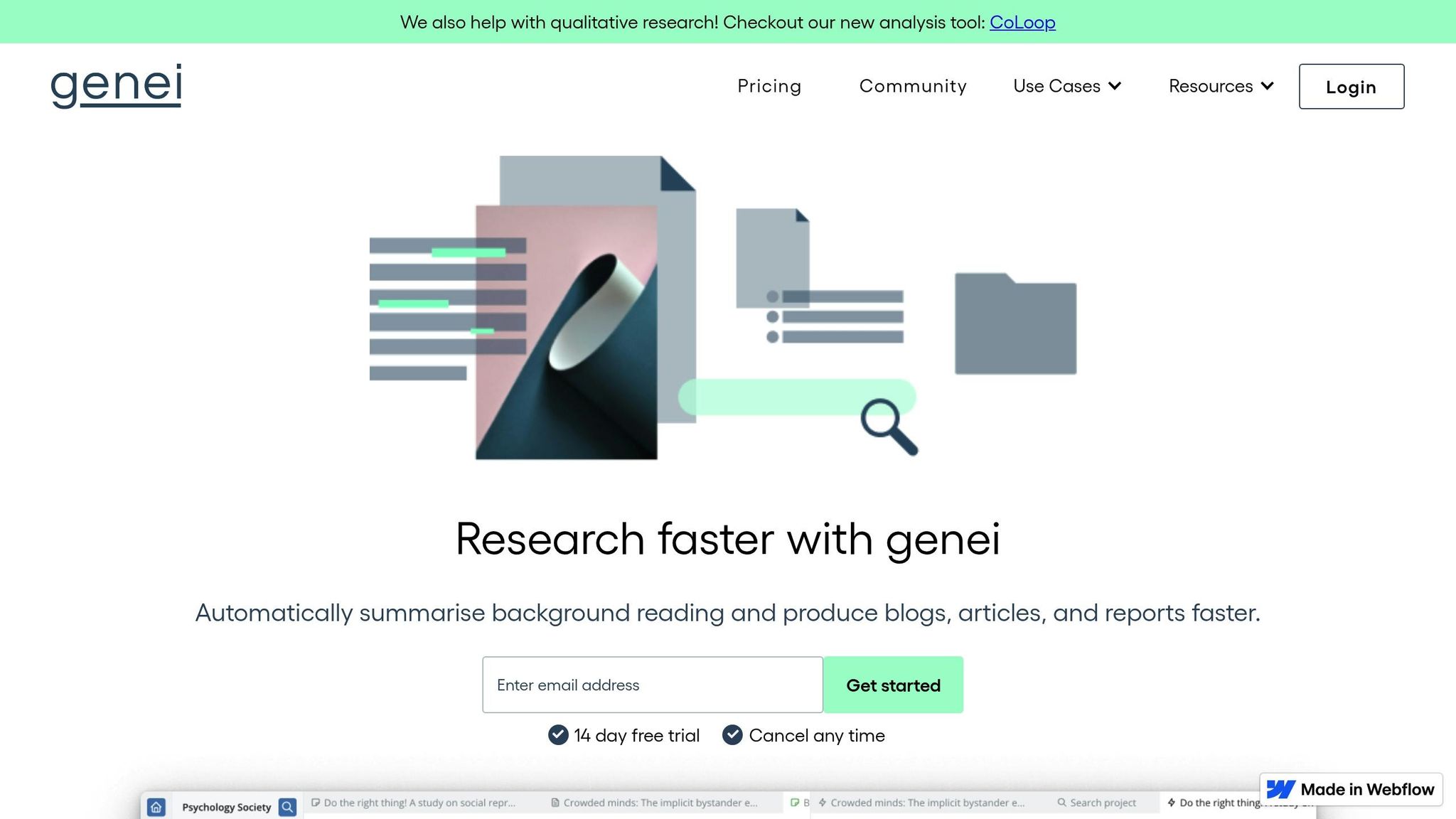
Genei is a research management platform disguised as a summarizer. It combines document organization, note-taking, and summarization in one interface.
Time-Saving Features
The numbers are compelling: students report reading 70% faster with Genei, and note-taking drops from 12–18 hours to 1–3 hours for large projects[4][6][8].
Support for Academic Content
The semantic search is what separates Genei from simpler tools. It understands what you're looking for conceptually, not just keyword matching. For thesis-level research with dozens of sources, that's table stakes[4].
Accurate Summarization
98% of users report time savings; 95% report improved productivity[3][5][4]. The question-answering feature lets you query your entire document library for specific information[7][9].
9. Otter.ai: Transcription and Summarization of Lectures
Otter.ai solves the lecture capture problem. Its Education Agent connects to your calendar and automatically joins online classes to transcribe and summarize in real-time. It integrates with Zoom, Google Meet, and Microsoft Teams, and handles uploaded recordings too.
Time-Saving Capabilities
Students using Otter report reclaiming over four hours weekly[10].
"Just being conservative - our team is getting 33% time back." - Laura Brown, Vice President of Sales at Aiden Technologies[10]
The AI Chat feature lets you ask questions about past lectures without scrubbing through recordings. "What did the professor say about statistical significance?" gets you a direct answer.
Summarization Accuracy
95% accuracy for live transcription[10]. The summaries retain context and key details, making them reliable for exam prep.
"It's an incredible app. The most accurate app out there [for transcription]." - Tony Robbins[10]
Academic Content Support
Notes are editable and can be shared with classmates for study groups. Integration with Google Docs and Notion means summaries fit into existing workflows.
The free Basic Plan includes AI meeting summaries and unlimited meetings. The Business Plan ($19.99/month) adds 6,000 transcription minutes and unlimited audio/video imports[10].
10. Microsoft Word's AI Summarizer: Built-In Tools for Students
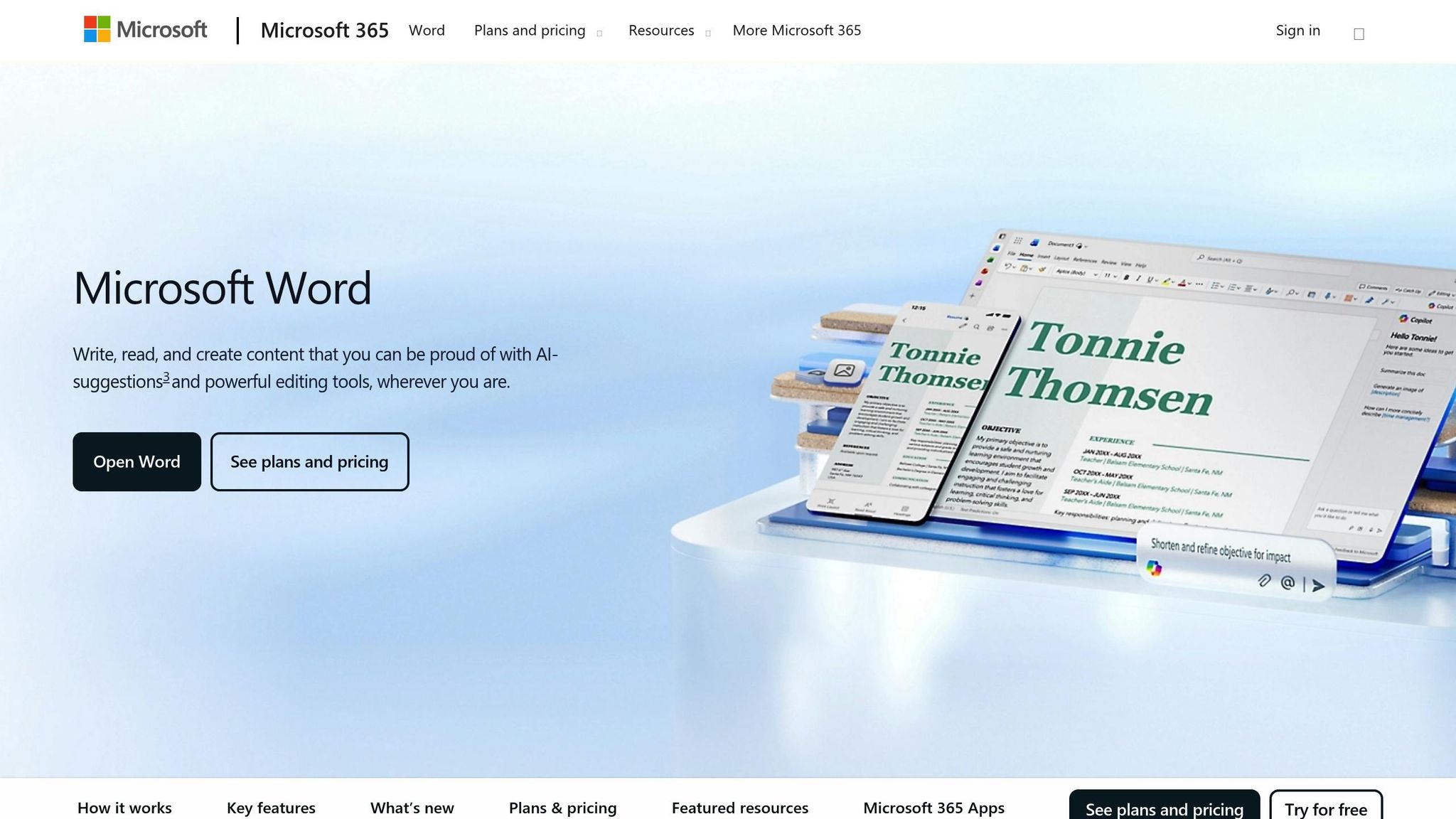
Microsoft Word's Copilot integration brings summarization into the application most students already use. No switching between apps, no learning new interfaces. You work in Word, summaries happen in Word.
It handles up to 1.5 million words or 300 pages – enough for most dissertation chapters or comprehensive literature reviews.
Academic Content Support
Copilot summarizes imported content including PDFs and video transcripts[11][12]. For essays and research papers, it synthesizes information for abstracts or executive summaries[13].
Time-Saving Capabilities
Summarization, outlining, and drafting in one place. You can quickly assess whether a 40-page document is relevant before committing to reading it.
Privacy and Data Security
Microsoft encrypts all data and has confirmed that student inputs don't train their language models. Enterprise-grade security applies whether you're using personal, work, or school accounts[14].
Comparison Table
| Tool | Best For | Standout Feature | Price Point |
|---|---|---|---|
| TLDRly | Web content and YouTube | One-click browser summaries | Free tier available |
| ChatGPT | Complex texts needing explanation | Conversational follow-up questions | Free; Plus $20/month |
| SummarizeBot | Mixed format lecture materials | PDF, Word, and audio support | Free tier available |
| Scholarcy | Academic papers | Automatic citation extraction | Subscription required |
| QuillBot | Writing assignments | Combined paraphrase + summarize | Free tier available |
| SMMRY | Quick news summaries | No account required | Free |
| Resoomer | Academic texts | Assisted synthesis mode | $10.57/month premium |
| Genei | Large research projects | Semantic search across documents | Subscription required |
| Otter.ai | Lecture capture | Real-time transcription | Free; $19.99/month business |
| Microsoft Word AI | Document-centric workflows | Native Word integration | Microsoft 365 subscription |
For tight budgets, TLDRly's free plan and SMMRY work well. Research-intensive work benefits from Scholarcy's citation tools and Genei's organization features. TLDRly, QuillBot, and Microsoft Word AI emphasize data security for sensitive academic content.
Conclusion
AI summarization tools address three specific student problems: time management, comprehension, and accessibility.
Time management: TLDRly's one-click summaries and ChatGPT's instant explanations cut hours from research tasks. Less time extracting information means more time understanding it.
Comprehension: Scholarcy's automatic citations and Otter.ai's lecture transcription reduce the cognitive load of note-taking. When you're not frantically transcribing, you can actually listen and think.
Accessibility: QuillBot helps non-native English speakers parse difficult text. Microsoft Word's built-in summarization works within familiar software. The barrier to entry is lower than it's ever been.
These tools don't replace learning – they remove the busywork that gets in the way of it. The student who uses Genei to organize 50 sources still has to write the paper. But they can start writing sooner, with better understanding of what those 50 sources actually say.
FAQs
TLDRly uses algorithms that identify key sentences based on word frequency, contextual significance, and document structure. It extracts the most critical information without altering the original meaning.
The result: concise summaries that capture the core argument. For students working through challenging material, this means faster comprehension without sacrificing accuracy.
TLDRly uses encryption during processing and doesn't permanently store your content. Your textbooks, research papers, and other materials are used temporarily to generate summaries, then deleted.
The platform follows relevant privacy regulations. Your academic content stays private throughout the summarization process.
Build TLDRly into your workflow: after lectures, feed your notes through it to create review-friendly summaries. Before exams, use it to condense textbook chapters into key concepts.
For research assignments, summarize each source as you find it rather than letting materials pile up. The habit of summarizing as you go prevents the late-night panic of realizing you have 30 unread papers due tomorrow.